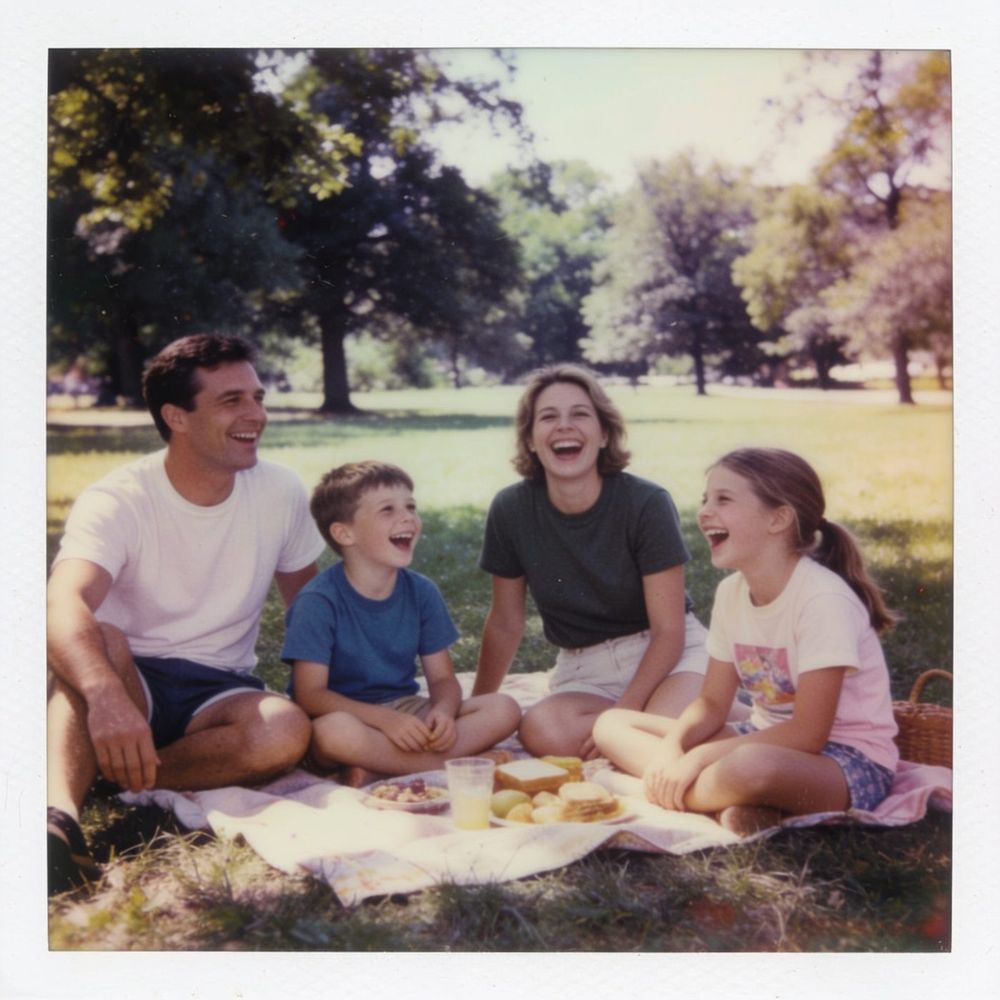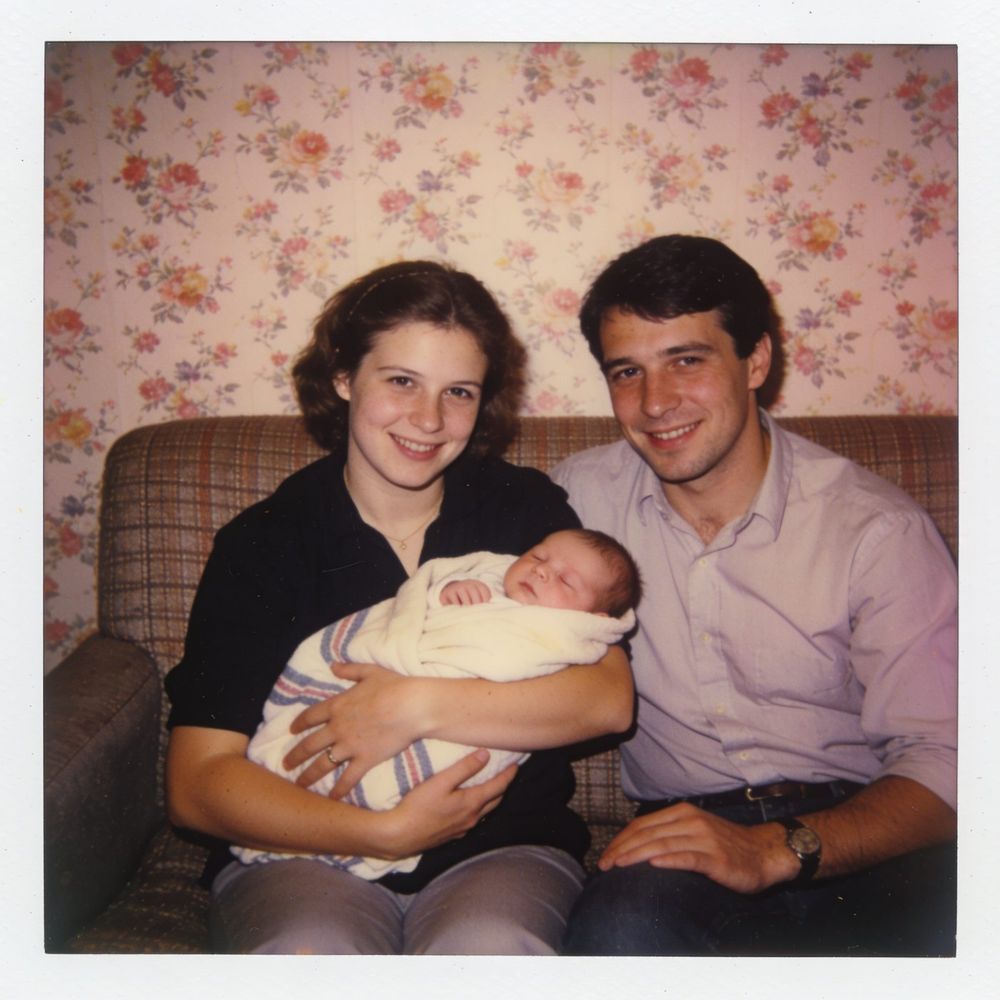
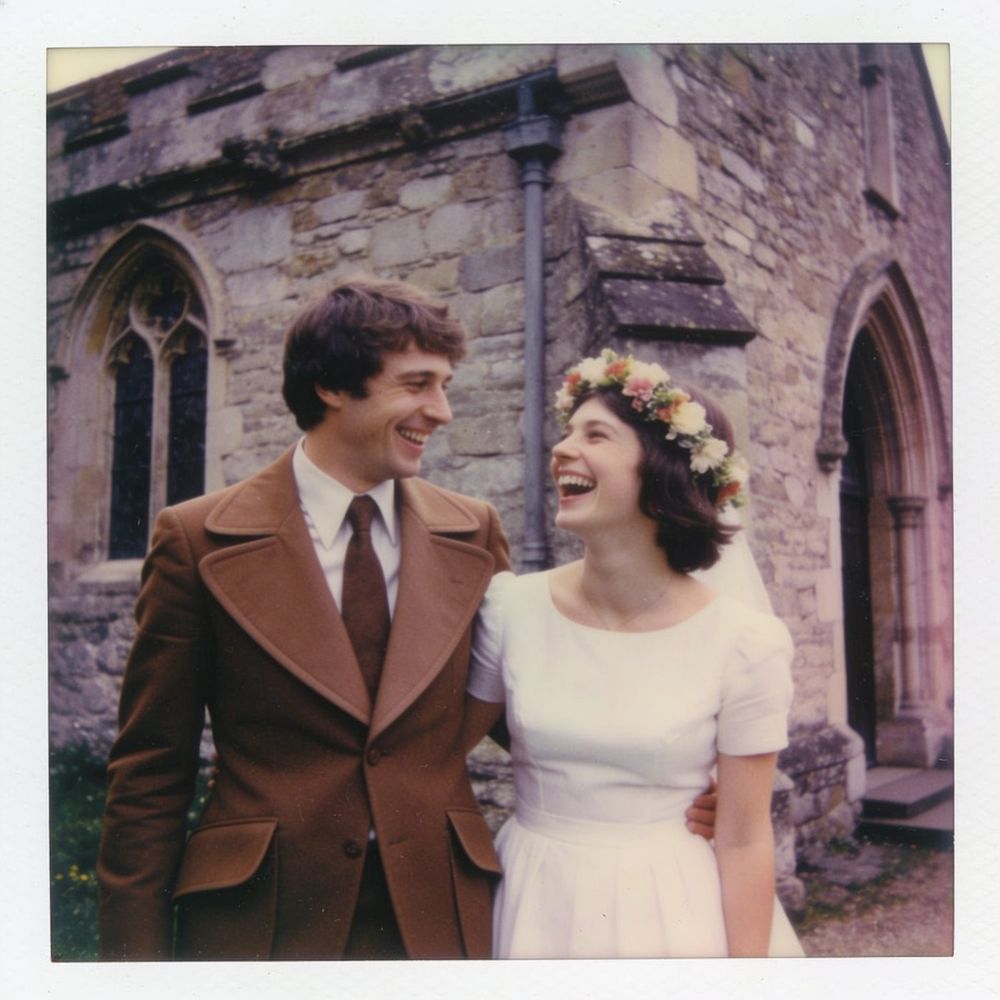
How to prepare old photos, step by step
Choose the best photos. From the album, prefer photos where the faces are large, sharp and unobstructed. One good photo is worth more than three weak ones.
Scan, or photograph again. A scan at home or at a shop gives the best result. If you have no scanner, you can photograph the photo with your phone, in daylight and without a flash. All the steps are in the article How to scan photos from an old album with your phone.
Send the original file. Messaging apps compress photos and shrink them. If the photo comes to you from a relative, ask them to send it as a file or a document, not as a regular photo, to keep the full size.
Upload and check the order. Scanned photos usually carry no shooting date, so the order will follow the upload order. Go through it and fix it, as described in the guide Photo order in your film.
Crop away the margins and corners. Album scans come with white margins, a frame or part of the page. The "Crop" button below the photo opens a window with a frame. Place it around the photo itself and click "Save this crop". If the scan came out rotated, "Rotate" fixes it.
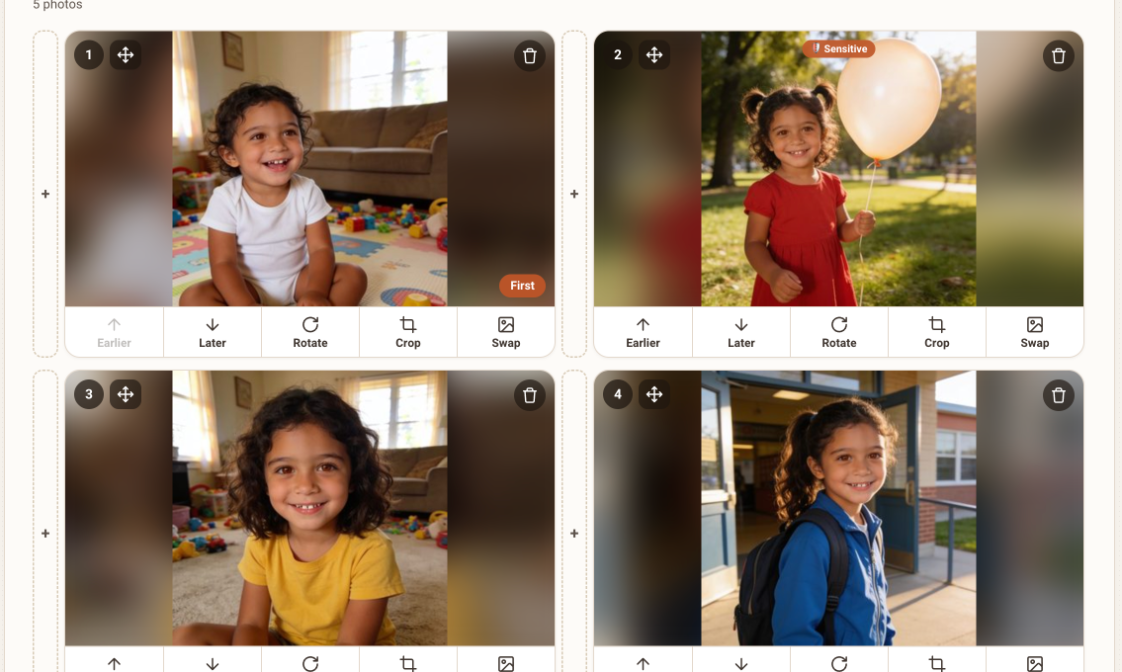
Photo cards with the buttons Earlier, Later, Rotate, Crop and Swap Check it in the free preview. It shows the first two animations. If an old photo doesn't look good, you can swap it for another photo from the same period.
The situation What to do A sharp scan, clear faces Use it as it is White margins or a frame Crop The photo is rotated Rotate Black-and-white or faded colors Use as it is, if the faces are clear A small, blurry or dark photo Swap for another photo Small faces in a group photo Crop around the person, or swap
A few scanning tips
If you scan the photos yourself, choose a high resolution, and 300 dots per inch is a good starting point. Wipe the dust off the scanner glass, and save each photo in a separate file. After scanning, give the files numbered names, so the order is easy to recognize, and check each file on a large screen before you upload it. If you are photographing, hold the phone straight above the photo, so it doesn't come out crooked.
What to avoid
- Expecting the site to repair scratches, sharpen a photo or colorize black-and-white. We don't do that.
- Photographing a photo behind a glass frame. Reflections hurt sharpness.
- Uploading a photo that has been shrunk two or three times by apps.
- Using many blurry photos to reach a certain length. A shorter film with good photos is better.
Frequently asked questions
Do black-and-white photos work?
Yes. Old and black-and-white photos can work nicely, as long as the person can be seen clearly.
What about a photo with scratches or creases?
If the face is clearly visible, it may work. The site doesn't repair the flaws, and they will stay in the photo.
What is the minimum size of a photo?
There is no magic number. The larger and sharper the photo, the better the result. A photo received through a messaging app is usually small, so it is better to get the original.
Can I mix old and new photos in the same film?
Yes. In a memories film it is very common, and the move between periods is part of the magic.