How to do it, step by step
Go through the photos and mark the group ones for yourself. Ask about each one: who is the person whose story continues from photo to photo, and can you see them clearly? If so, the photo is fine. If they are small, hidden or one of ten, it is a candidate for treatment.
Crop around the person. Below each photo on the photos screen there is a "Crop" button. A "Try to focus on the face" window opens, with a frame you can move. Place it around the main person, so they are large and in the center and other people stay at the sides or leave the frame, and click "Save this crop". "Whole photo" cancels the crop.
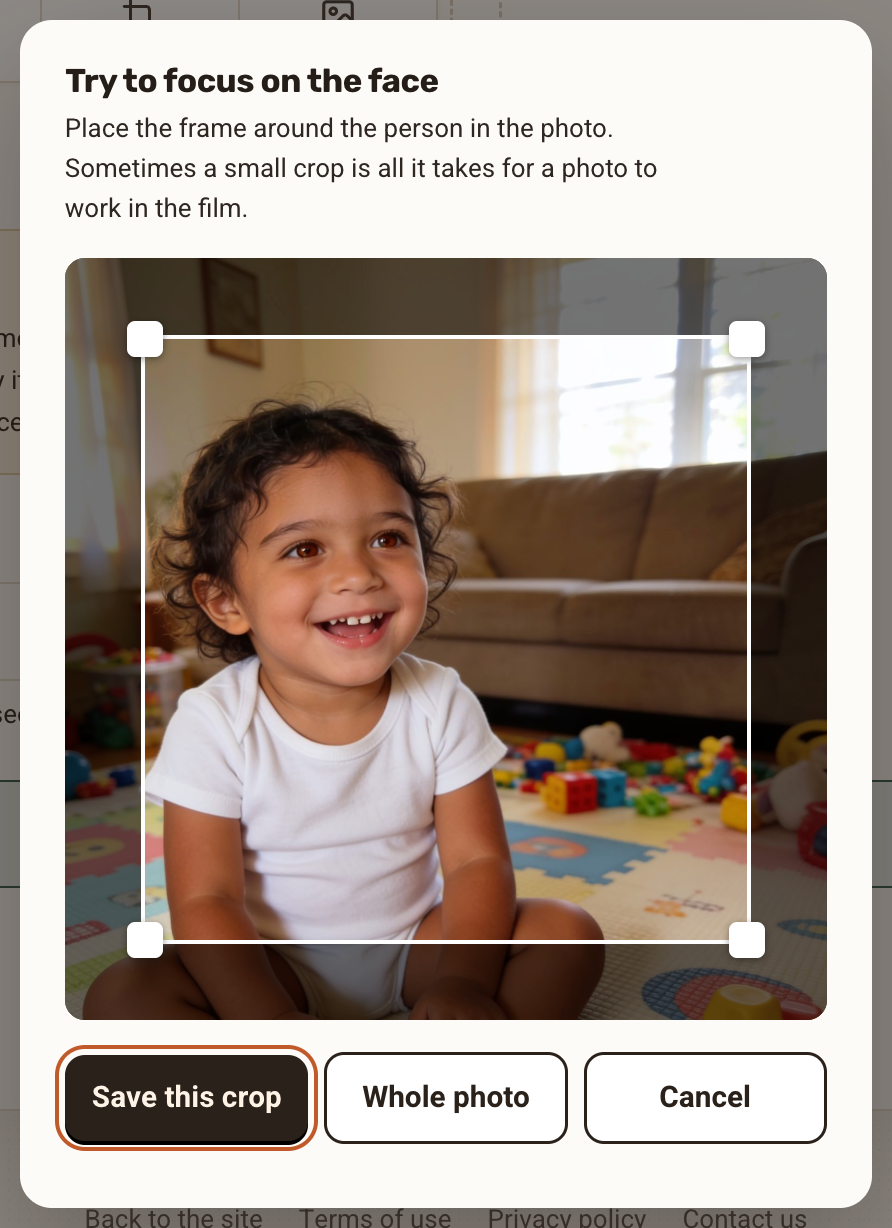
The crop window "Try to focus on the face", with a frame around the person and the buttons Save this crop, Whole photo and Cancel Swap if cropping doesn't help. If the person is still too small after cropping, click "Swap" and choose another photo from the same period, one where they are closer.
Check it in the free preview. The free preview shows the first two animations. If there is a group photo that worries you, you can temporarily move it to the start of the film and see how it looks.
If the transition isn't good, try again. On the transition card there is "Another version", and a new motion is built each time. The details are in the guide A transition you didn't like.
The situation What helps The person is large and in the center of a group photo Leave it as it is The person is off to the side, and there is room to crop Crop around them The person is small or far away Swap for a closer photo Two very similar-looking people in the photo Crop so only one appears, if possible
A short example
In a photo of eight children in kindergarten, your daughter stands in the back row. Crop the photo so that only she and the children next to her remain. If she is still small in the frame, swap in another photo from the same class or the same year.
When a group photo works very well
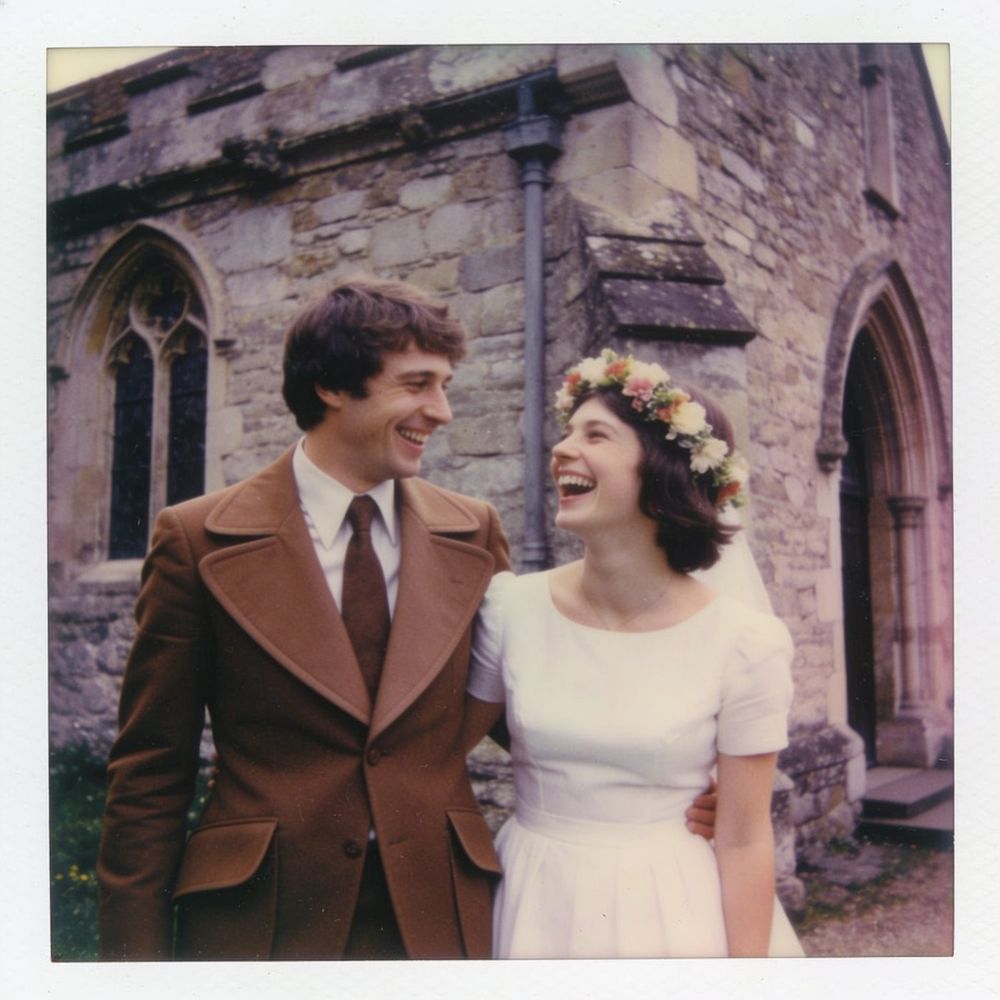
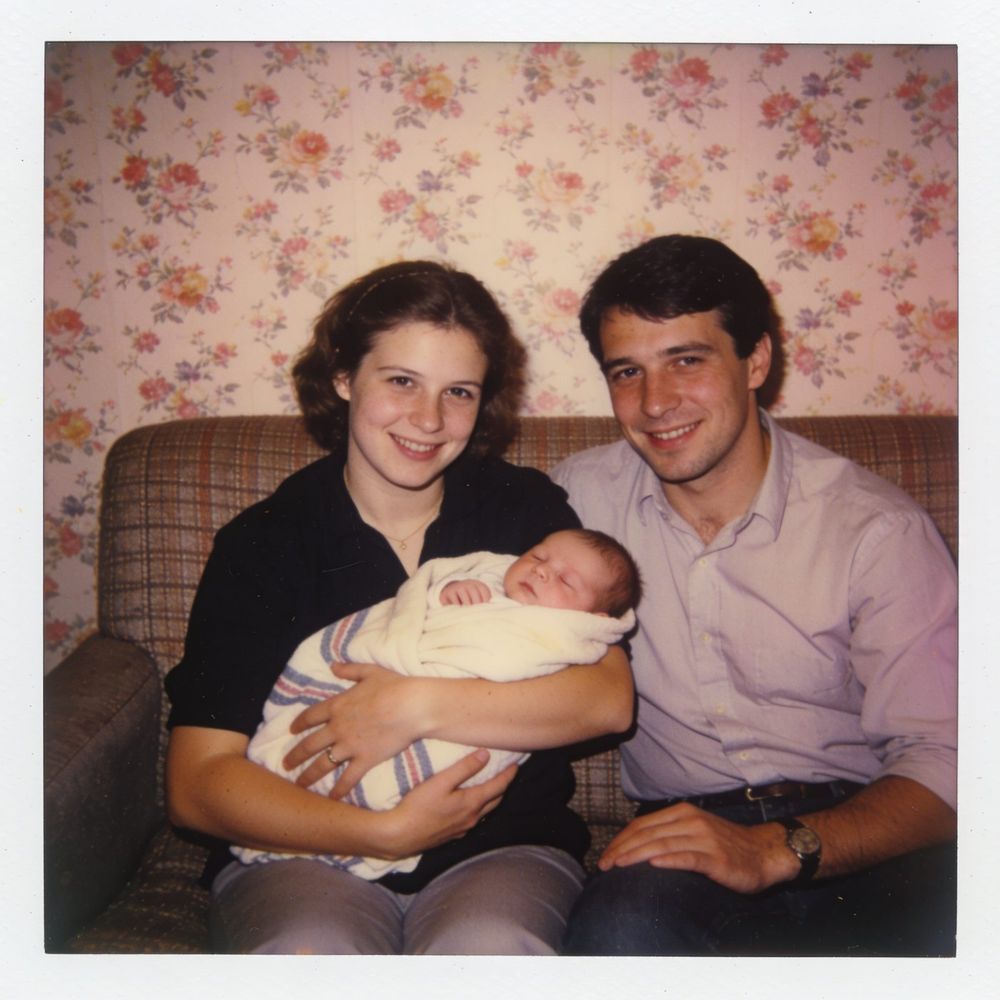
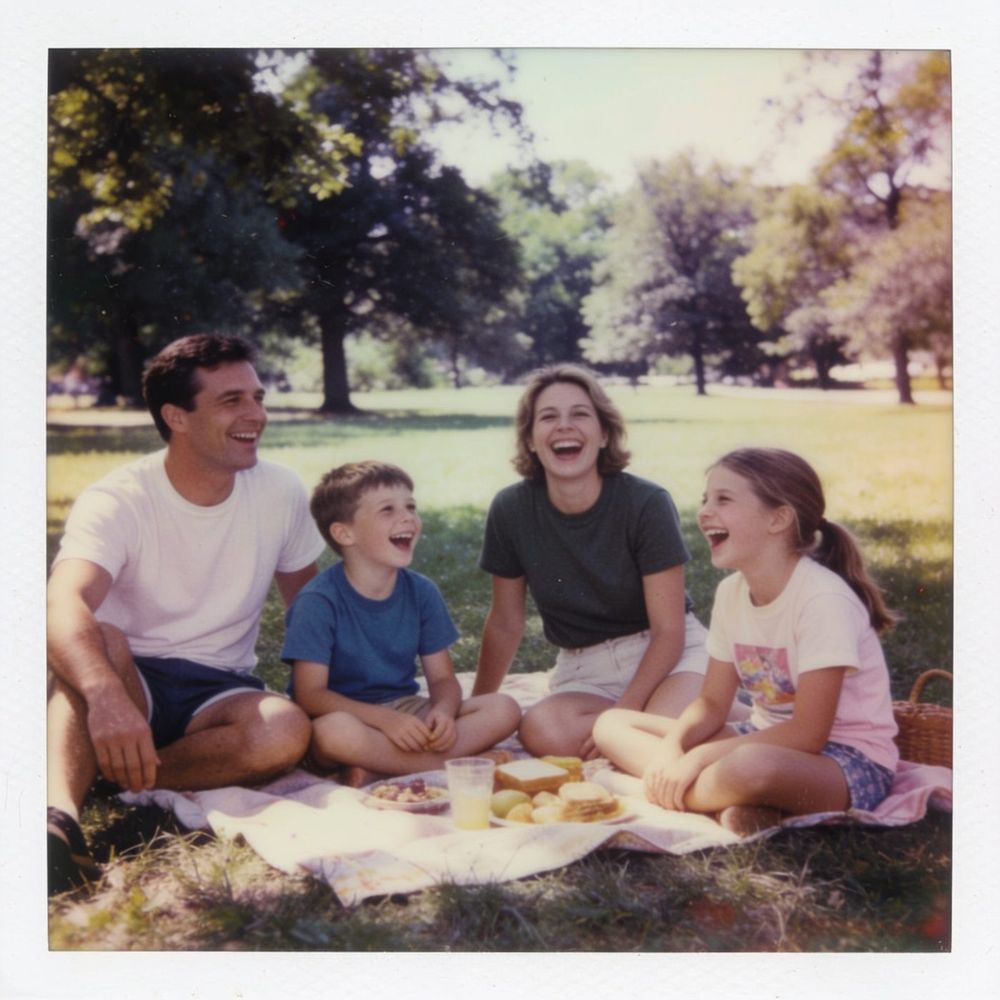
A group photo isn't a problem in itself. When the main person stands out in it, for example in the center, smiling at the camera and taking up a good part of the frame, it can be the strongest moment of the film. A family photo at a holiday or a wedding gives the film warmth and a sense of belonging. The simple rule: if you can point to the person in the photo without thinking, the system will be able to recognize them too.
What to avoid
- Building a film made mostly of group photos. It works better when most photos show the main person clearly.
- Placing two group photos one after the other. If you can, separate them with a photo of the person alone.
- Expecting the faces in the film to be identical to the photo. We don't promise that, and sometimes there is a small deviation.
- Cropping so that the main person leaves the frame.
Frequently asked questions
Why doesn't a photo with many people always work well?
When there are several people in the frame, the system sometimes has trouble knowing whom to focus on. Cropping or swapping solves it in most cases.
Can I use a single family photo, such as a holiday photo?
Yes, absolutely. Such a photo can be a special moment in the film. Place it between photos of the main person, and check the transition.
What about siblings or twins who look very much alike?
This is a harder case. Choose photos in which each one is clearly visible, and look at the transitions carefully. If something doesn't work out, you can reach us through "Contact us".
Does this cost more tries?
Cropping and rotating are done on the photos screen. A photo swap is counted from the package's photo swaps (2 to 4, depending on the package size).