How to do it, step by step
Choose a film type. On the "A new film" screen, choose between "Growing-up film" and "Memories film", then click "On to the photos →". Not sure which one fits? See the guide Growing-up film or memories film. Before you start, sign in with a Google account or with a code sent to your email.
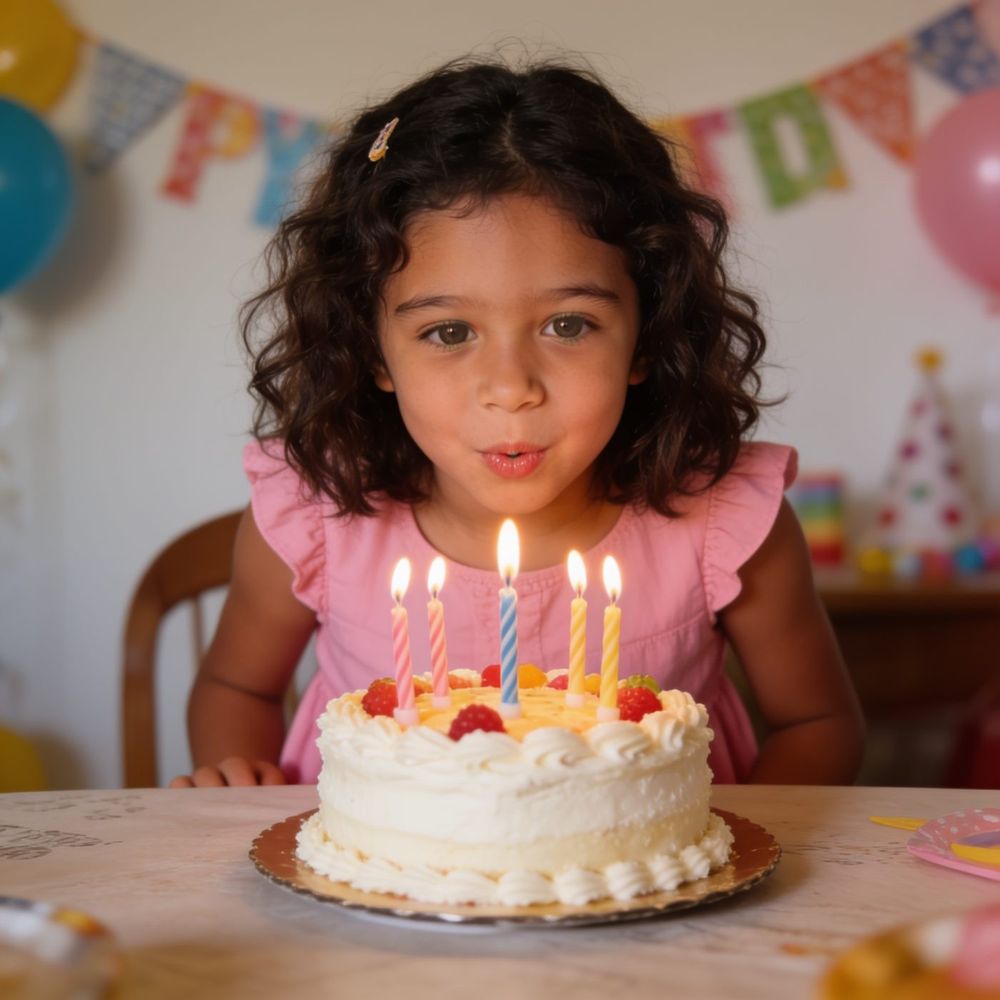
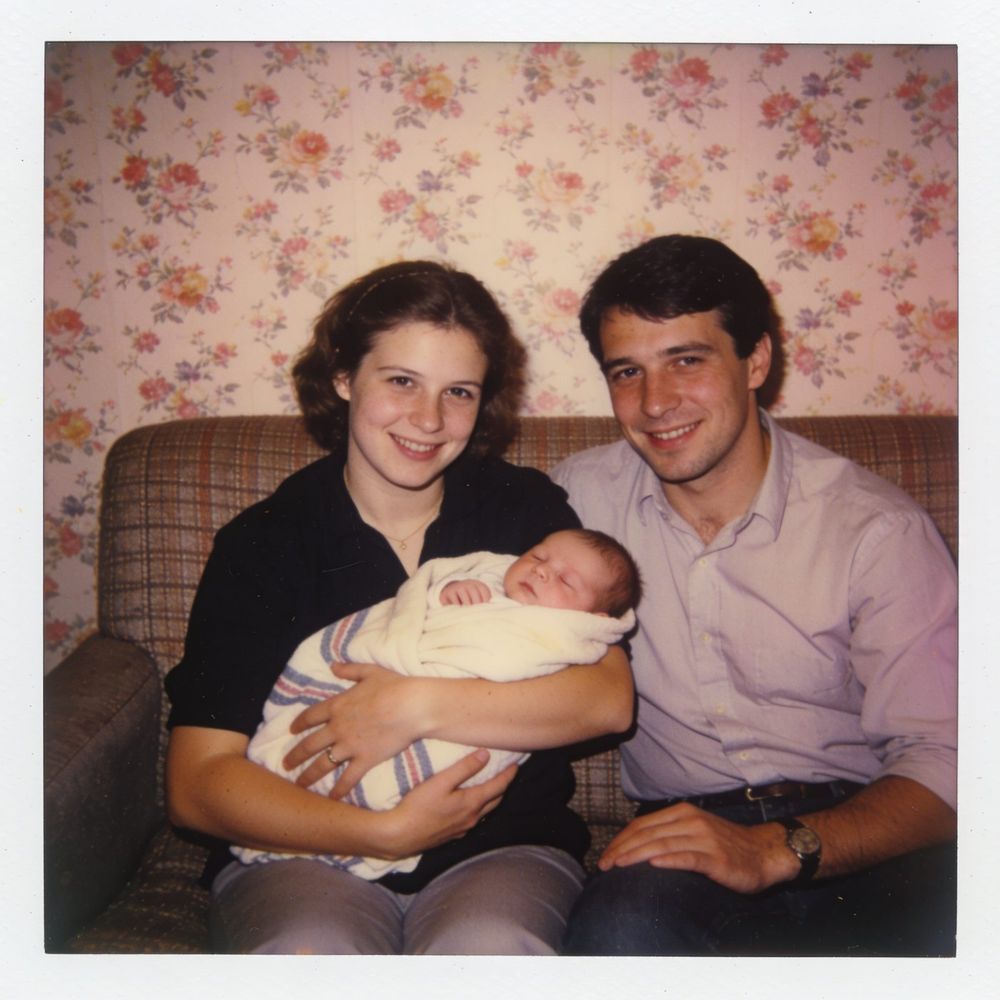
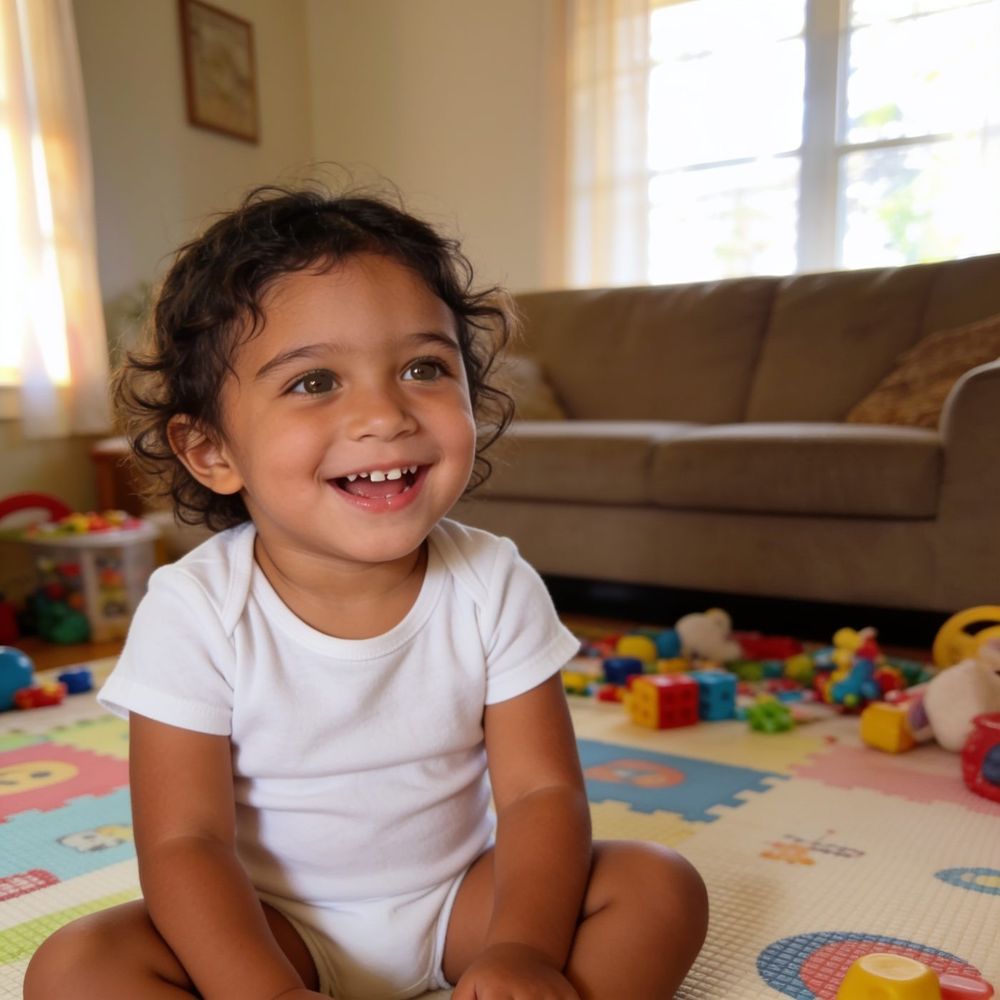
Upload only the preview photos. For a growing-up film, upload 3 photos (two transitions). For a memories film, upload 2 photos. Once you have seen the result, you can add as many photos as you like, and you don't need to buy a package to upload the rest. When the photos are in place, click "Create the preview" at the bottom of the screen. You can name the film in the "A name for the film" field.
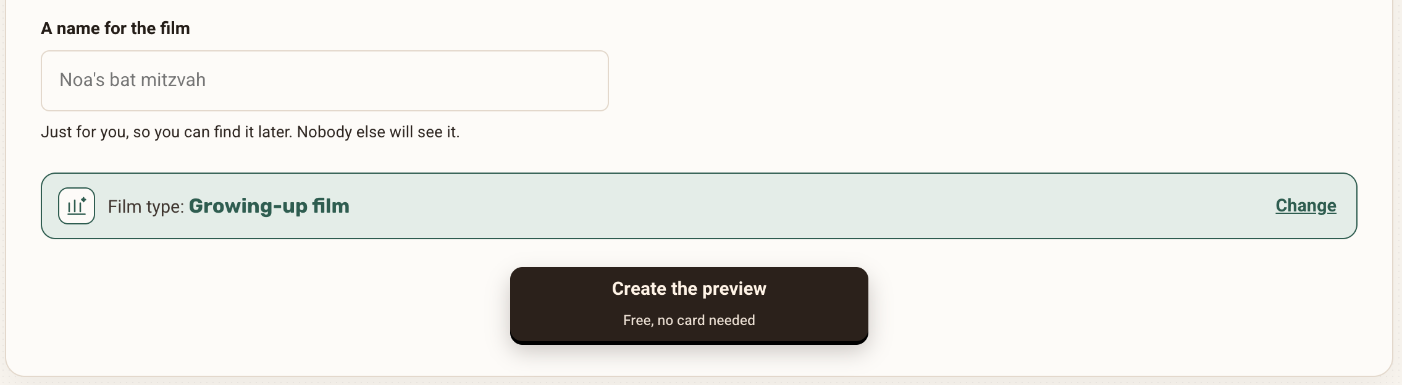
At the bottom of the photos step: the film name and the "Create the preview" button Growing-up film3 photos, 2 transitionsTransition 1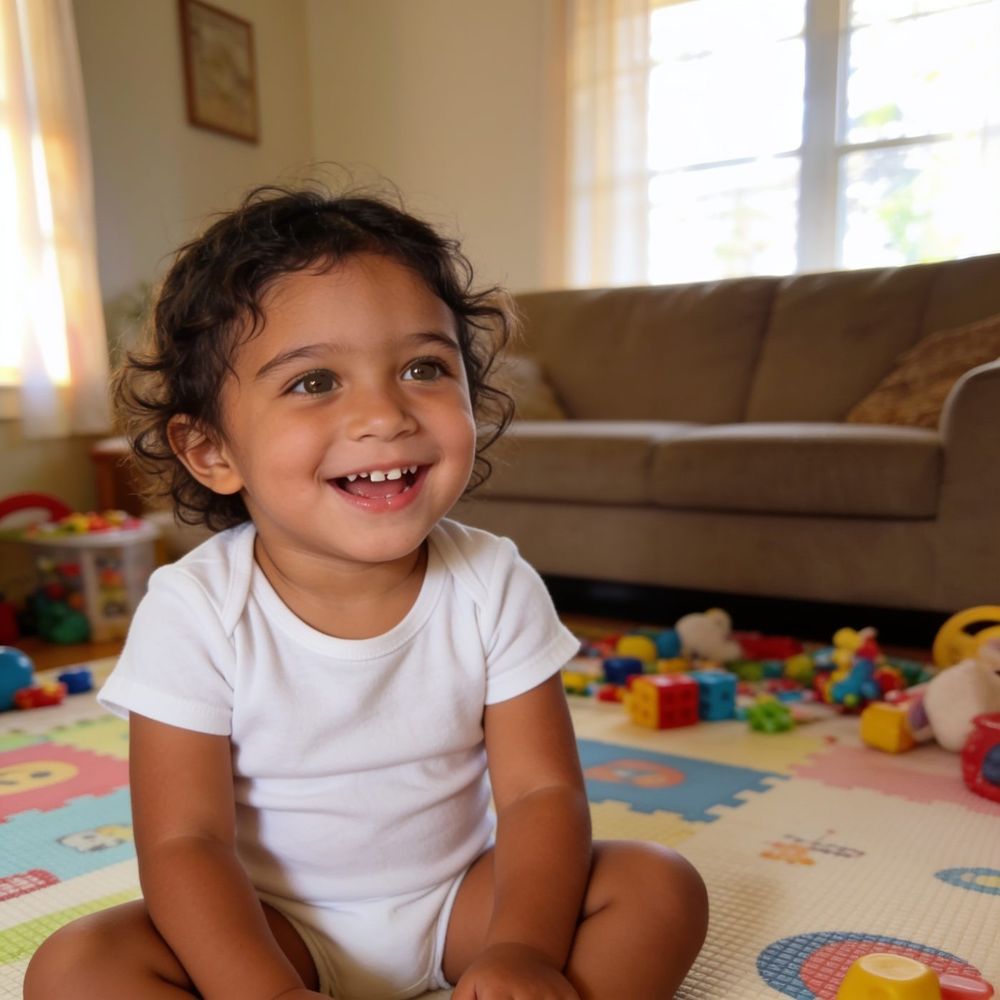 Transition 2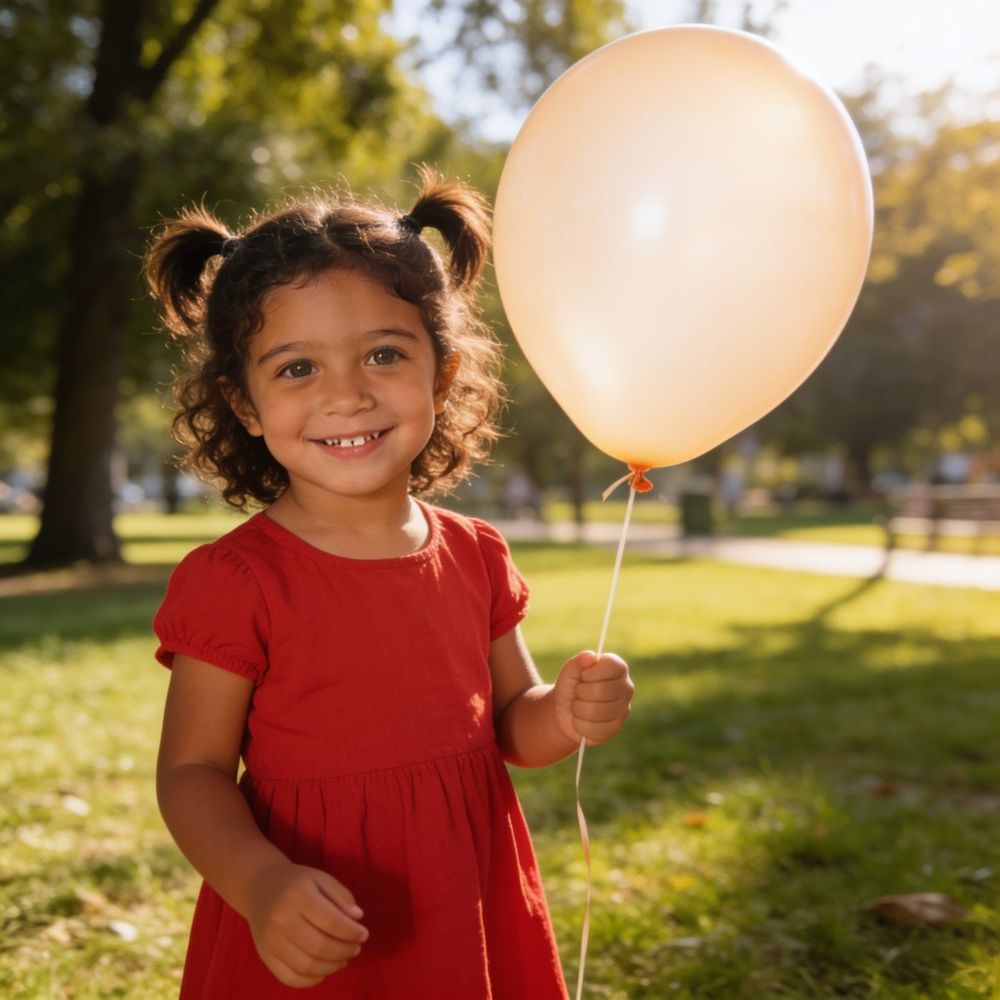
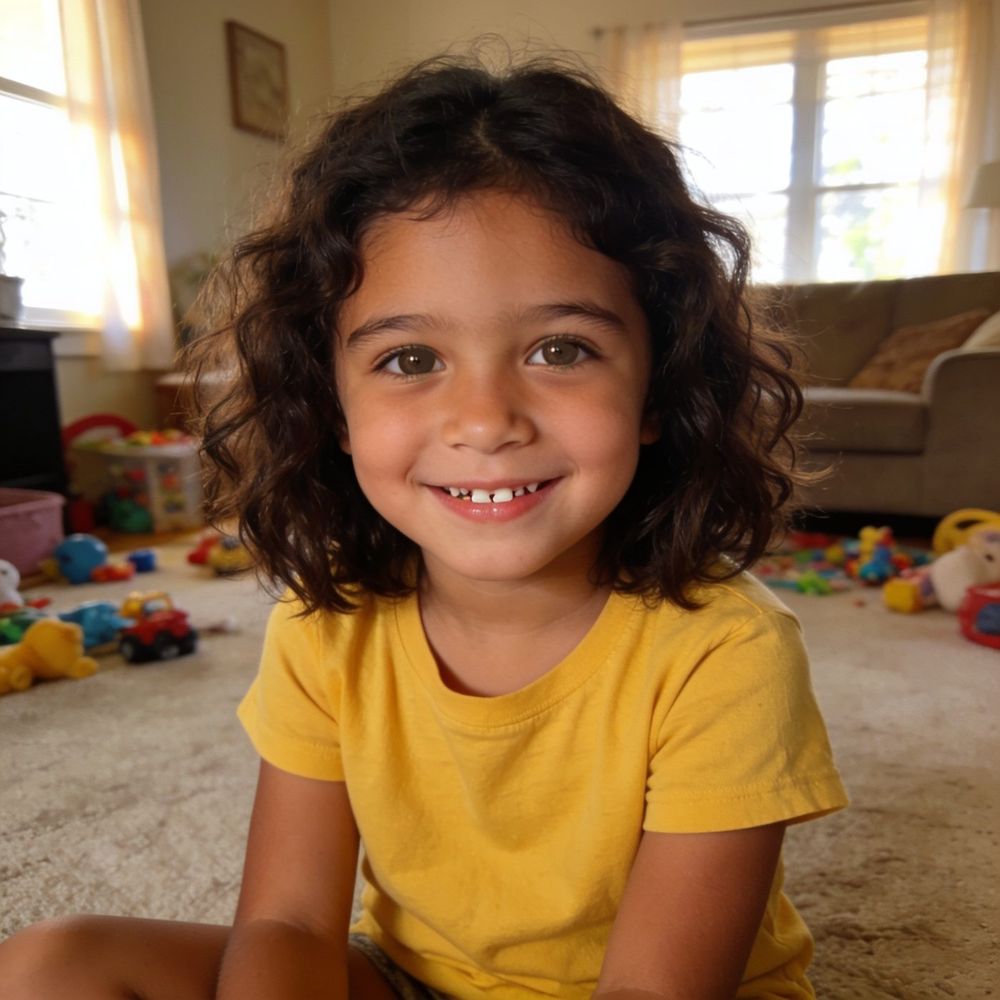 Memories film2 photos, 2 animations
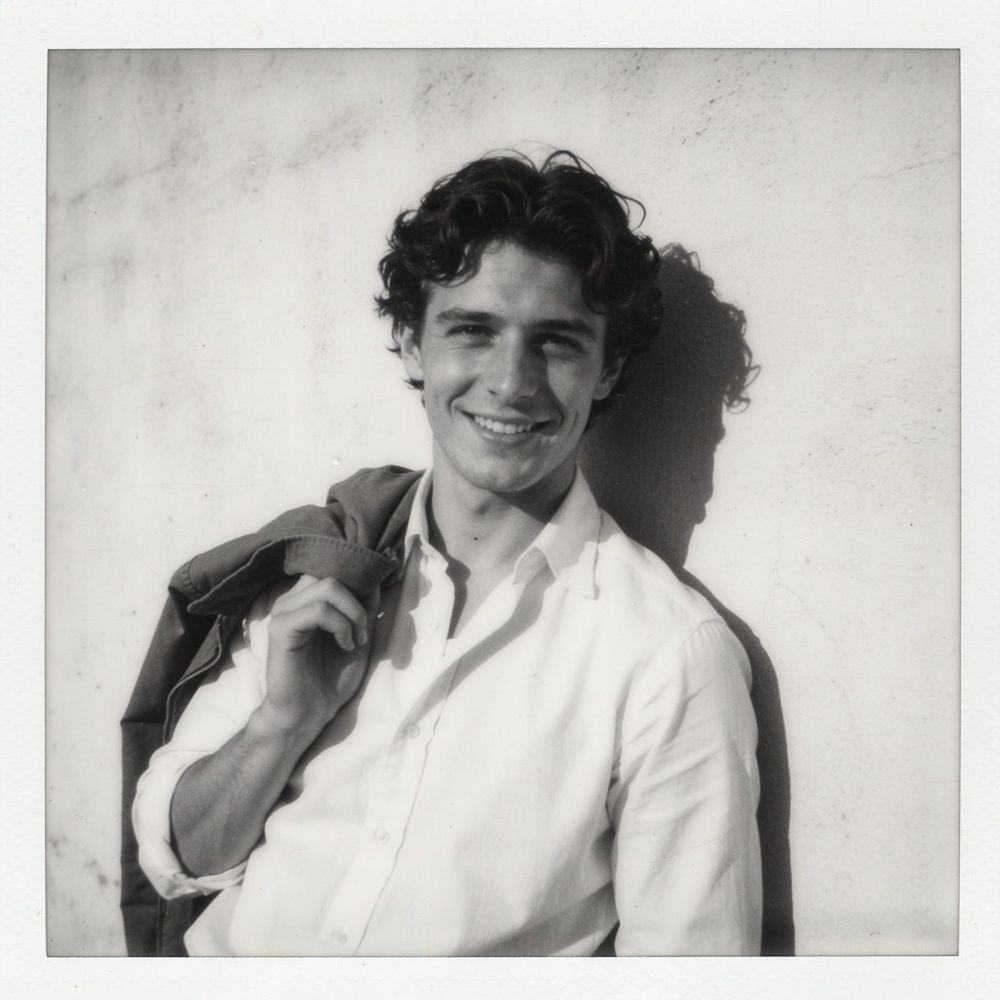 Animation 1
 Animation 2
Illustration
Choose representative photos. The preview shows how the site handles these particular photos, so don't pick only your best one. Choose photos of similar quality to the rest: if most of the photos in your film are old, include an old one in the preview.
Wait. The result arrives within a few minutes, and you will also get an email when the preview is ready.
Watch it twice. Once straight through, the way your family will see it. Then a second time, slowly, with the questions in the table below.
What to check A good sign If it isn't so The right person The film follows the person you wanted A photo with several people can cause confusion. Swap it for a clearer one The flow The transition is smooth, with no jump Try another version, or change the order of the photos The motion It looks natural and fits the moment Try another version The faces They resemble the original photo A small deviation is possible. If something looks wrong, try again or swap the photo 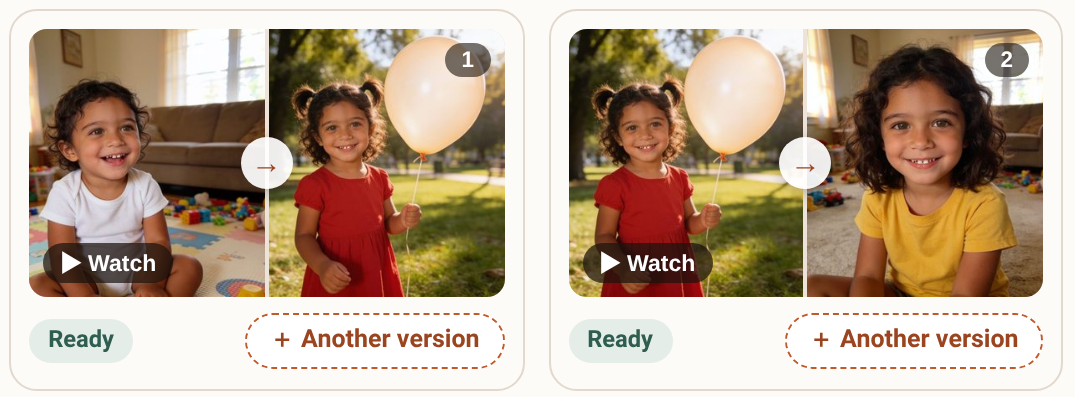
An animation card in the free preview, with the retry button Use the retry. Before you pay, each animation gets one retry. It is worth using if something bothered you, and decide after that.
Decide. Liked it? Continue to the full film and choose a package. Didn't like it? You don't pay. After you pay, you get extra tries, as many as there are photos in your package (more in the guide A transition you didn't like).
How to use what you learned
The preview is a test, so ask yourself two questions: what did I like, and what would I like to be different? If you liked the motion but not the photo, swap the photo. If the photo is good and the motion less so, try another version.
Still undecided? Show the preview to someone in the family before you decide. Someone who doesn't know the photos will see at once whether the sequence flows or jumps. Before you pay, also check that you chose the right film type and that the photos are in the order you want, because the order sets the story. After you pay, the full film is usually ready within 10 to 20 minutes, and you download it in HD quality, in a 16:9 format and without a watermark.
What to avoid
- Judging the whole film by one blurry or dark photo. It doesn't represent the rest.
- Uploading screenshots, collages or photos with a lot of text.
- Watching the preview only on a phone with the sound off, and missing the audio that accompanies the film.
- Waiting for faces that are identical in every detail. We aim to preserve the likeness, but we can't promise it.
Frequently asked questions
Do I need a credit card to start?
No. The free preview is made without a credit card.
Can I make a free preview for several films?
The free preview is once per person. An additional film goes through the same process, without the free preview, and starts with choosing a package.
What if the preview didn't turn out as I hoped?
You can retry once, swap a photo and check again. And if you didn't like it, you don't pay.
What if I already paid and regret it?
You can ask for a refund within 30 days of the purchase.