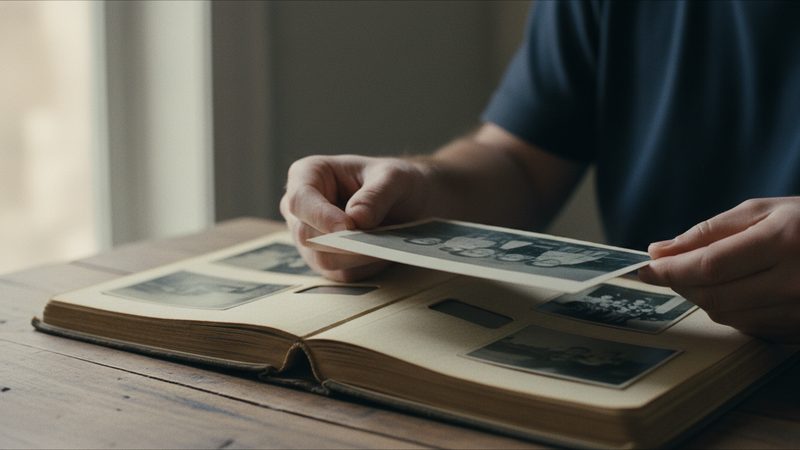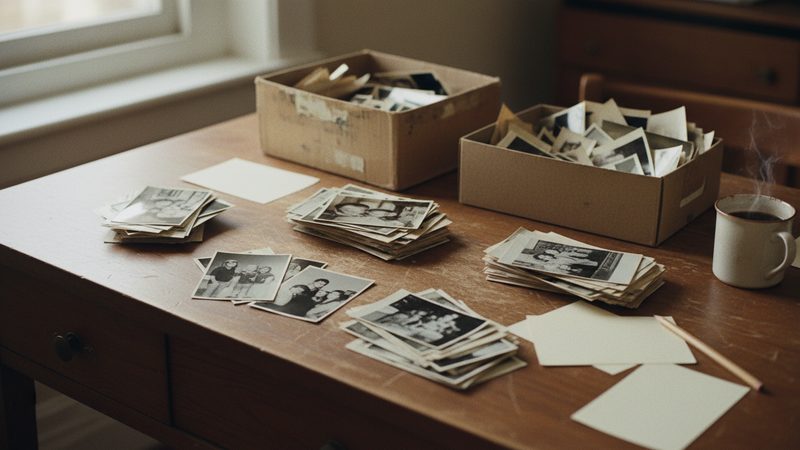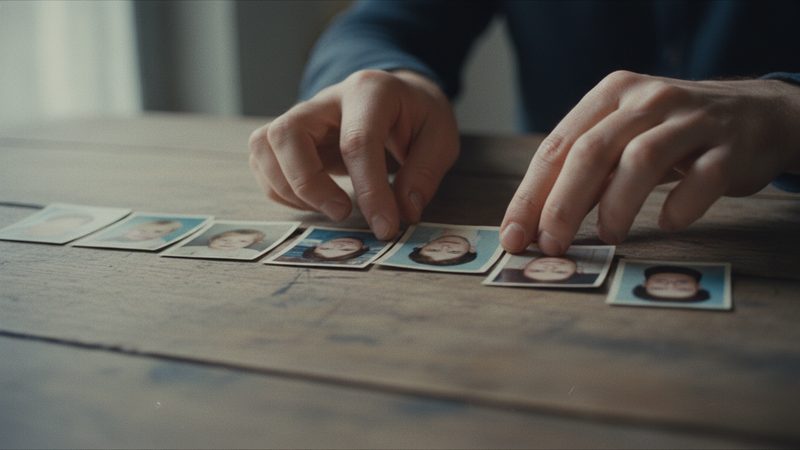
Almost every family has someone who keeps the photos: a shoebox at Grandma's, an album at an uncle's, a folder on Mom's computer. It is all there, but nobody sees the whole picture. One video can bring it together and show the children and grandchildren where they come from. This article shows a simple way to build it, without the fuss.
What makes a family history video different?
A birthday or wedding video has one event, so the story is already clear. A family history has no single event. You have many photos from many years. If you simply line them up one after another, you get a lovely video that feels confusing. Viewers cannot tell who is who, or why a black-and-white girl is suddenly followed by a baby in a garden.
The fix is to choose one question that the video answers. For example: Where did we come from? What did the homes we grew up in look like? Who were Grandma and Grandpa when they were young? With one question, it is easy to decide which photos go in and which stay in the box.
How do I choose a storyline?
There are a few common ways. Pick just one:
| Storyline | What the video looks like | Works well when... |
|---|---|---|
| By time | From the oldest photo to the newest | You have photos from every period |
| By family branch | One chapter per branch, then a shared photo at the end | The family is big and spread out |
| By place | The first home, the town, today's home | You have photos of houses and neighborhoods |
| Grandparents at the center | From their childhood to the grandchildren | The video is a gift for one of them |
If you are unsure, a timeline is the safe choice. It needs no explanation, and every viewer understands it without a word.
How do I collect and organize the photos?

Collect first, choose later. Ask relatives to send pictures of the photos they have, and to note who appears and roughly when it was taken. These details disappear easily. Once the older generation is gone, nobody remembers who the uncle in the fourth photo is.
Then:
Photograph each printed picture with your phone. Use daylight, shoot straight from above and skip the flash. There is more in the guide to photographing an old album.
Sort the files into folders. One folder per branch or per decade. The details are in the article on organizing family photos.
Pick the strongest ones. A sharp photo where you can see faces beats an important one that is blurry.
Remove duplicates. If you have five photos from the same day, keep one.
Put them in storyline order. We wrote about photo order in how to arrange photos in a video.
How do I split the video into chapters?
Chapters give the viewer a moment to breathe. Instead of 36 photos in a row, you get three parts of 12 photos, and each part is one minute. You could divide it like this:
- Chapter one: the roots. The oldest photos, of the grandparents and their parents.
- Chapter two: our generation. The parents, aunts and uncles, childhood and homes.
- Chapter three: today. The children, the grandchildren, and one photo of everyone together at the end.
To mark a chapter, place a strong photo at the start of each part, such as a group photo or a picture of a house. The video ends with a closing note, and you can use it for one line about what comes next, for example "and so much more ahead".
What do I write on the opening card and the closing note?
The opening card should give context in one short line: the family name and the years the video covers. For example "The Cohen family, 1948 to today". On the closing note you can dedicate the video to someone, or list the names of everyone who appears. You will find wording ideas in the article on dedication texts.
What should I know before I start?
- Your photos are used as they are. We do not restore photos, fix scratches or color black-and-white pictures. A sharp photo gives a better result than a faded one.
- The film aims to keep everyone looking like themselves. Sometimes there is a small difference. You can try another version or swap a photo, and extra tries and photo swaps are included in every package.
- There is no narration and no subtitles. You get music from the library or your own song, an opening card and a closing note. If you want to explain who is who, tell the story at the screening, or put the names on the closing note.
- You choose the number. 12 photos make a minute, and you can use anywhere from 2 to 100. There is an exact package for every number in between.
The full film is HD 16:9 with no watermark, and you can download it or share a link. It is usually ready 10 to 20 minutes after payment, so it is easy to send to every relative at once.
When is a growing-up film the better choice?
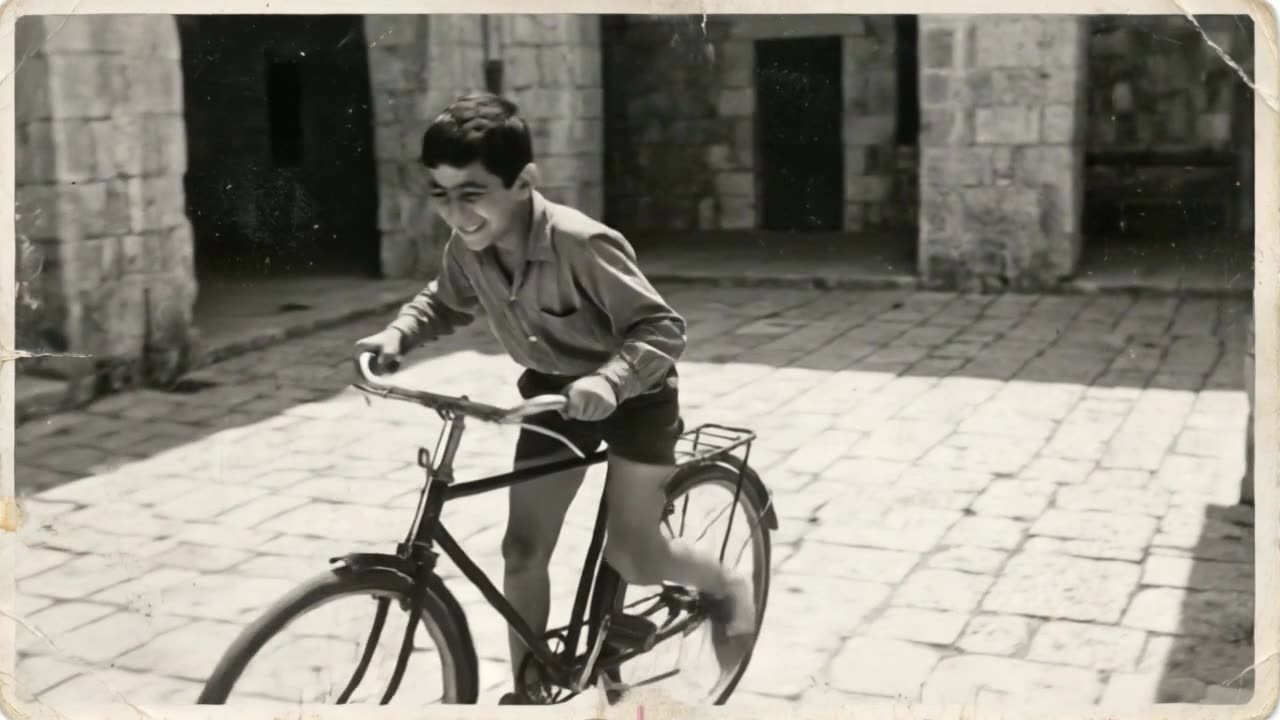
If the whole story is about one person, say Grandpa from childhood to today, a growing-up film shows him growing up, with each photo flowing into the next. If the story is about a whole family, places and events, a memories film is the natural choice. On the page about animating old photos you can see an example memories film.
Frequently asked questions
How many photos do I need for a family history video?
It depends on how long you want it to run. A small family can manage with 24 photos, which is 2 minutes. A big family with several branches usually ends up with 36 to 60 photos. You can use anywhere from 2 to 100.
Can I mix old black-and-white photos with color ones?
Yes. Every photo goes in as it is, and the film does not add color. Mixing black-and-white with color shows the passing of time by itself.
Can several relatives make the video together?
You can collect the photos together, and one person uploads them and places the order. It helps to agree on the storyline and the order first, so nobody argues once the film is ready.
How long does it take to get the video?
The full film is usually ready 10 to 20 minutes after payment.
Can I try before I pay?
Yes. The first 2 animations are free, with no credit card, once per person.
Can I get a refund?
You can ask for a refund within 30 days of purchase, under the refund policy on the site.