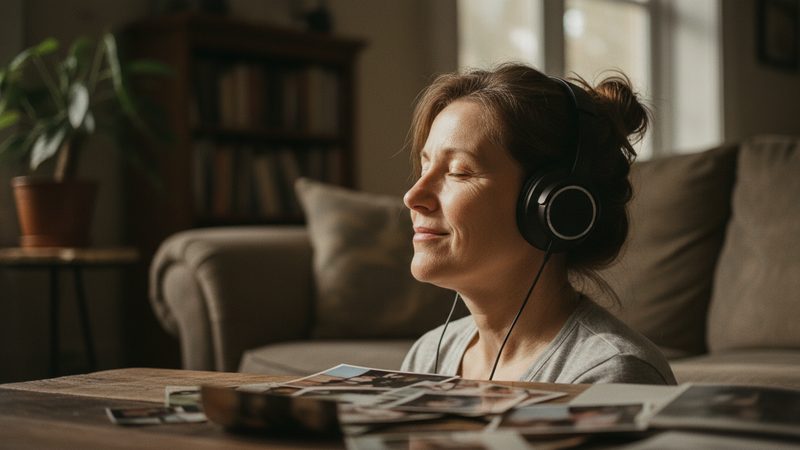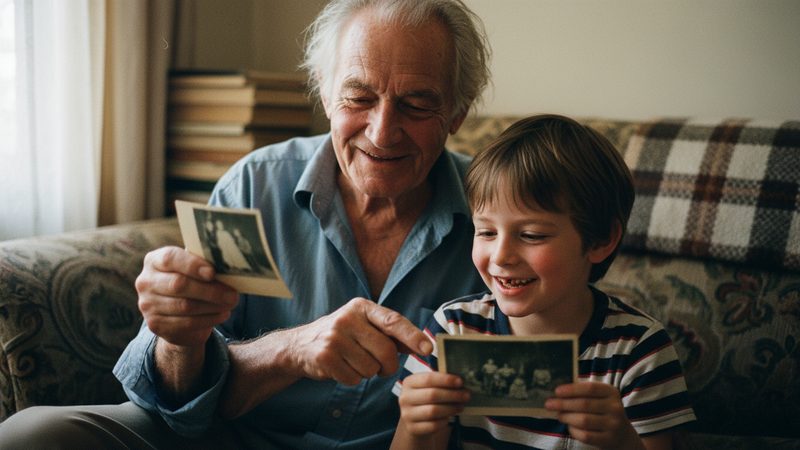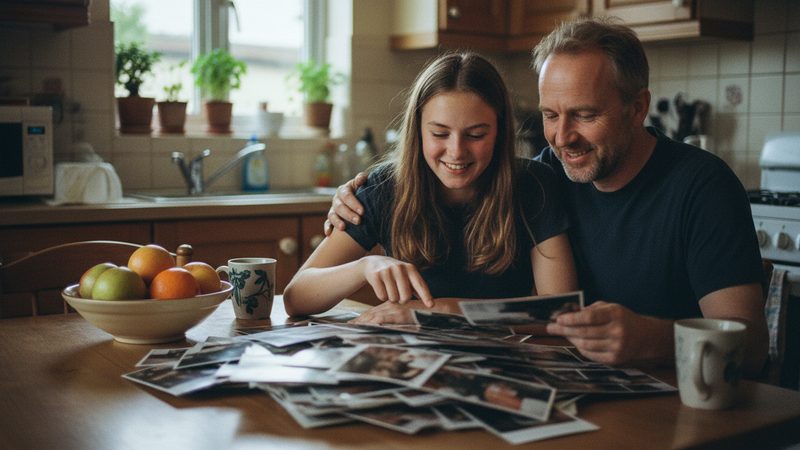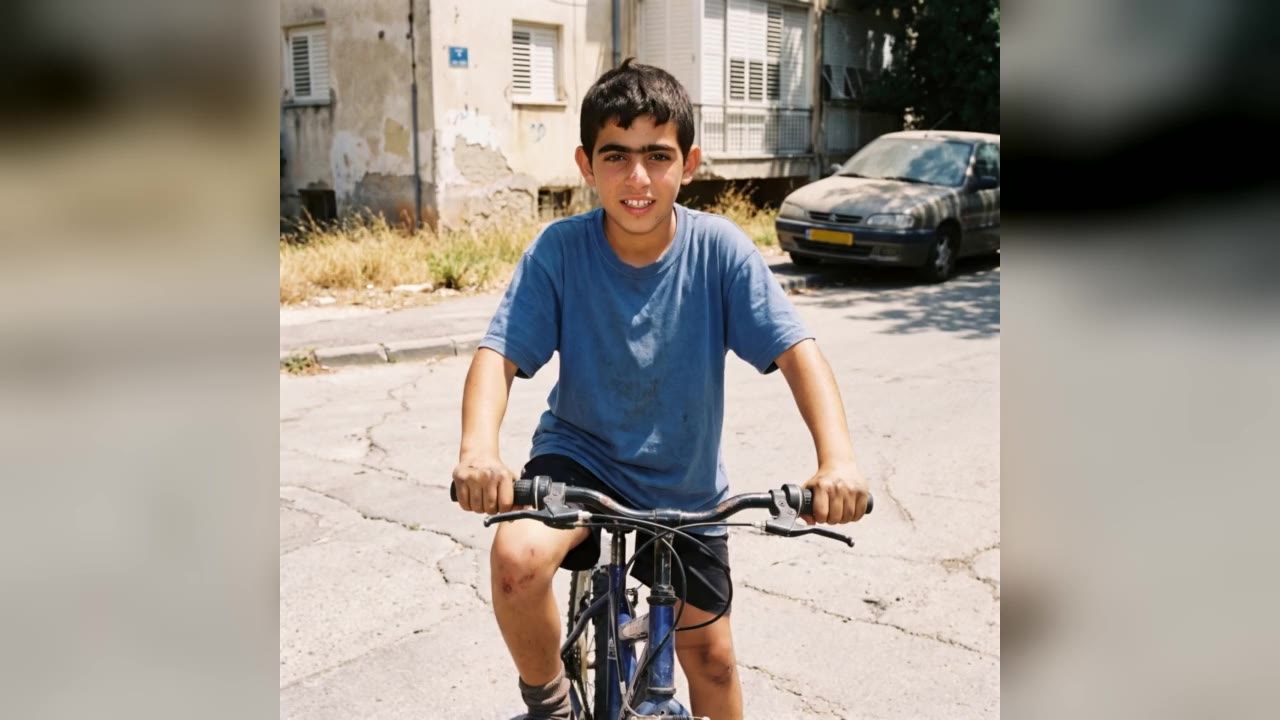
The same 24 photos can tell two completely different stories, depending only on the order. Sometimes five minutes of arranging changes a video more than any other choice. This article gives you four ways to order photos, and when each one fits.
Why does the order matter so much?
Each photo stays on screen for about 5 seconds on average. The viewer has a short moment to understand what they see and connect with it. When the order makes sense, they hardly notice it. When it jumps between periods and people for no reason, they feel they are missing something.
Because the video lasts only a few minutes, there is no time to explain. The order is the explanation.
Four ways to arrange photos
| Method | How it works | Fits... |
|---|---|---|
| By time | Oldest to newest | Growing-up film, birthday, bar or bat mitzvah |
| By theme | Chapters: family, trips, friends | Memories film, a gift for grandparents |
| By feeling | Open strong, move to quiet, close strong | Anniversary, dedication, wedding |
| By person | One chapter per person | Big family, a milestone birthday for a parent |
You can combine them. For example, in a memories film about a family you could divide by branch, and inside each branch arrange by time.
How do I arrange a growing-up film?

The idea of a growing-up film is that each photo flows into the next, so time order is almost always the right choice. These rules help:
One photo for each stage. Baby, age one, preschool, first grade, and so on. Two nearly identical photos in a row do not show growing up.
Choose photos where the face is clearly visible. The bigger and clearer the face, the better the transition.
Avoid a big gap in years. If there is a hole of eight years, look for one photo to fill the middle.
Prefer photos of one person. When several people are in the photo, it is harder to follow one person growing. Group photos suit a memories film better.
There is more on the difference between the two types in the article growing-up film or memories film.
How do I arrange a memories film?
In a memories film, each photo gets a few seconds of motion, and it does not have to connect to the one before. That gives you freedom, but it also asks for a decision. We recommend choosing one method and sticking with it all the way through:
- By time. Simple, clear and easy for any viewer.
- By theme. Three or four photos on each theme: home, trips, holidays.
- By feeling. Open with a happy, strong photo, move to quieter ones, and end with a photo that feels like a hug.
How do I check the order before I upload?
Lay the photos out on a table or on your screen, side by side, and look at them like a comic strip. Can you follow the story without a word? Is there a place where your eye jumps? A photo that looks out of place in this order will look that way in the video too. Move it, or swap it for one that fits better. This check takes five minutes, and it saves extra tries later.
What opens the video, and what closes it?
The first photo comes right after the opening card, and it sets the tone. Usually it is best to choose a clear, sharp photo with a person looking toward the camera. Do not start with a blurry photo just because it is the oldest.
The last photo is what viewers take with them. Choose a photo you can end on: everyone together, a big smile, or a picture of the person today. After it comes the closing note, where you can write a dedication or a final line. You will find wording ideas in the article on dedication texts.
How does the order relate to music and length?
If you have chosen a song, the order can be fitted to it. Especially strong photos suit the high point of the song, and quiet photos suit the calm parts. We wrote about choosing a song in the article on what music suits a photo video. For length, we have a table of how many photos you need. As a rule, 12 photos make a minute, and you can use from 2 to 100.
What if the order does not turn out well?
It happens, so here are a few solutions:
- Try for free. The first 2 animations are free, with no credit card, once per person. You can see how the order looks before you pay.
- Swap a photo. Extra tries and photo swaps are included in every package.
- Ask for feedback. Have a relative watch, and ask whether they understood the story without any explanation. If they did, the order is good.
The full film is HD 16:9 with no watermark, and it is usually ready 10 to 20 minutes after payment. The film aims to keep everyone looking like themselves, and if there is a small difference you can try another version. On the growing-up film page you can see an example.
Frequently asked questions
Do I have to arrange the photos by time?
In a growing-up film, almost always yes. In a memories film it is not required, but it helps to have one clear method.
Which photo is best to put first?
A sharp, clear photo where you can see the face and that catches the eye. It does not have to be the oldest.
Which photo is best to put last?
A photo you can end on: a smile, a family photo, or a recent picture of the person.
How many photos make a whole story?
12 photos already have a beginning, a middle and an end. A longer story suits 24 to 48 photos.
Can I change the order after uploading?
You can arrange the photos in the order you want them to appear, and photo swaps are included in every package.
How long does it take to get the video?
The full film is usually ready 10 to 20 minutes after payment.