Old albums tend to stay closed on the shelf, and nobody flips through them like they used to. A film brings the photos back to the middle of the living room, where the whole family can see them at once. Printed photos also fade over the years, while a digital file stays as it is. The film adds to your photos and does not replace them, so keep the originals somewhere safe. This article walks you through the whole way, from the printed photo to the finished film.
What is a memories film?
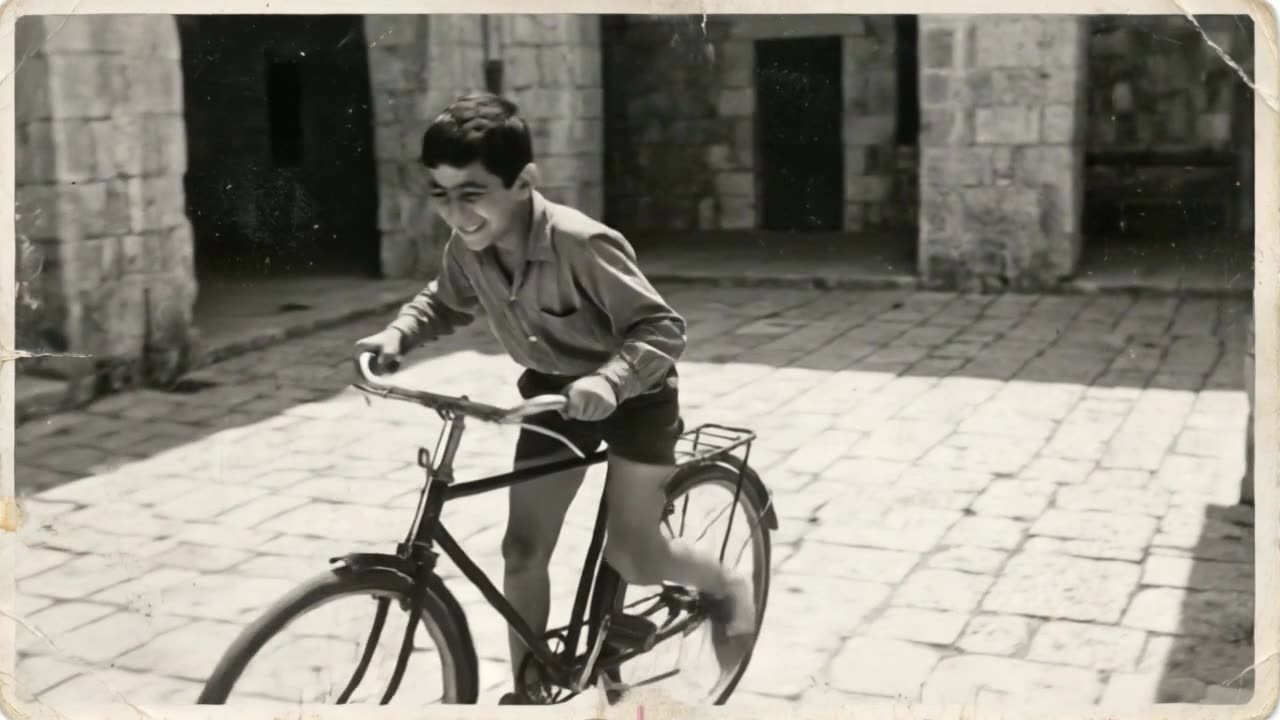
A memories film is a film where each photo gets a few seconds of movement. A moment that was frozen in the picture starts to move again. In the end, all the photos join into one film, with music, an opening card and an ending card.
It suits grandparents' albums, family trips from long ago, old weddings, and photos of homes and neighborhoods that no longer exist. You can show it at a family event, send it by link to relatives far away, or keep it as a gift. It is different from a growing-up film, where each photo flows into the next so you can watch one person grow up. A memories film fits when you have photos of different people, places and events. You can read more about the difference between the two types.
How do I prepare the photos before uploading?
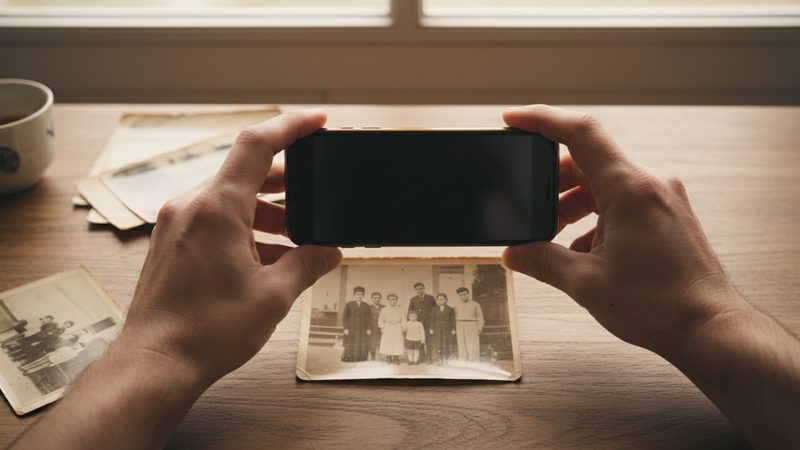
A few minutes of preparation make a real difference. A sharp photo where faces are clearly visible gives a better result than a faded or blurry one, so choose with care even if you have a lot of photos:
- Choose photos where faces are clearly visible. A photo where the person is small and far away works less well.
- Photograph in daylight. Do not use a flash, so there is no glare on glossy paper.
- Shoot straight from above. That way the photo does not look crooked.
- Take it out of the frame. A photo behind glass reflects light.
- Write down who is who. Note who is in each photo and roughly when it was taken. It will help you order the film and write an accurate dedication.
For full details on photographing prints, see our guide to scanning photos from an old album with your phone.
How do I turn old photos into a video, step by step?

Gather the photos. From albums, boxes and relatives.
Choose how many. 12 photos make one minute of film. You can use from 2 photos up to 100.
Photograph or scan them. Save them on your phone or computer.
Upload the photos to the site. Put them in the order you want them to appear. You can start with the oldest photo and move toward newer ones, or open with the strongest photo.
Try it free. The first 2 animations need no credit card, once per person.
Choose music and add cards. Pick music from the library or your own song, and add an opening card and an ending card. Calm music usually suits an old family album, but a song your family loves is sometimes the best choice.
Pay and get your film. It is usually ready 10 to 20 minutes after payment. You can download it or send a link.
A tip for ordering: if the photos come from several branches of the family, you can split the film into chapters, one chapter for each branch, and finish with a photo of everyone together.
How many photos do I need, and what does it cost?
The price depends on the length of the film and the number of photos:
| Length | Number of photos | Price |
|---|---|---|
| 1 minute | 12 | ₪79.90 |
| 2 minutes | 24 | ₪159.90 |
| 3 minutes | 36 | ₪219.90 |
| 4 minutes | 48 | ₪259.90 |
| 5 minutes | 60 | ₪299.90 |
| Up to 8 minutes | 100 | ₪419.90 |
If you have a different number of photos, you can order an exact package for any number in between. For a small family album, 12 to 24 photos is usually enough, and for the whole life story of grandparents, 36 to 48 photos may suit you. These are rough estimates, and the right choice depends on how many good photos you have. The full film is HD in 16:9, with no watermark and a share link.
What should I know before I start?
A few things are better to know up front:
- Your photos are used as they are. We do not restore photos, fix scratches or add color to black-and-white photos.
- Black-and-white photos can go in the film. A sharp, bright photo gives a better result than a faded one.
- The film aims to keep everyone looking like themselves. Sometimes there is a small difference. You can try another version or swap the photo.
- One weak photo does not have to stay. Every package includes extra tries and photo swaps, so you can replace a photo that did not come out well.
- There is no narration and no subtitles. You get music, an opening card and an ending card.
When is a growing-up film better than a memories film?
If all the photos are of one person over the years, for example a grandfather from childhood to today, a growing-up film suits better. If you have photos of several people, places and events, a memories film is the natural choice. To decide, ask yourself what you want viewers to feel: one person's journey through life, or a whole album coming to life. On the animate old photos page you can see an example memories film.
Frequently asked questions
Can I use photos I took with my phone from the album?
Yes. A clear photo taken in daylight is enough. Try to shoot straight from above and avoid reflections.
Can I use black-and-white photos?
Yes. They go into the film as they are. The film does not add color.
What are the minimum and maximum number of photos?
From 2 photos up to 100 photos in one film.
How long does it take to get the film?
The full film is usually ready 10 to 20 minutes after payment.
Can I try before I pay?
Yes. The first 2 animations are free, with no credit card, once per person.
Can I get a refund?
You can ask for a refund within 30 days of purchase, under the refund policy on the site.