Almost all of us have thousands of photos on a phone, a few folders on a computer, and boxes of printed pictures at our parents' home. When you decide to make a video, you find that the hard part is not making it. It is finding the right photos. A few hours of sorting now save a lot of time later, and the order will serve you long after the video is done.
Why organize before making a video?
Without order, every decision takes time. Where is the photo from preschool? What year was my sister born? Who is standing next to Grandma? When photos are sorted by year and month, the answers are in the folder names. And a video with the photos in the right order almost writes itself.
There is a second benefit: sorting uncovers photos you forgot you had. Often you find the one picture the video was missing, in a folder nobody opened for ten years.
How do I organize the files, step by step?
Create one main folder. For example "Family photos". Everything you collect goes in there.
Make a folder for each year. Inside it, monthly folders whose names start with a number: "2019-03", "2019-04". That way the computer sorts them by time automatically.
Copy, do not move. Leave the original where it is. If something goes wrong, you have lost nothing.
Photos with no date. If you do not know the month, put the photo in the year folder. If you do not know the year, make a folder called "Unknown" and come back to it at the end.
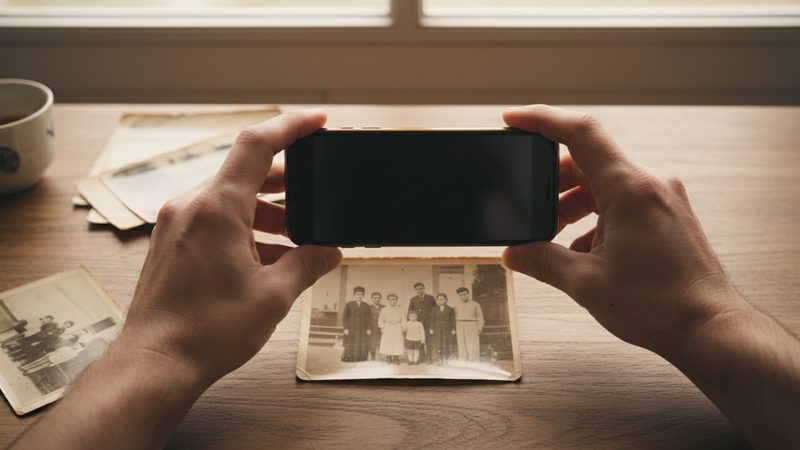
Photograph the printed pictures. The details are in the guide to photographing an old album with your phone.
Write down names. In any folder you can keep a short text file listing the people who appear.
If the photos are spread among several relatives, ask each person to send theirs in a separate folder. You can merge them later.
How do I choose from thousands of photos?

This is the most important step, and also the hardest emotionally. Every photo is precious, but a video cannot hold them all. Here are questions that help:
- Can you clearly see the faces? A sharp photo where the person is a reasonable size gives a good result.
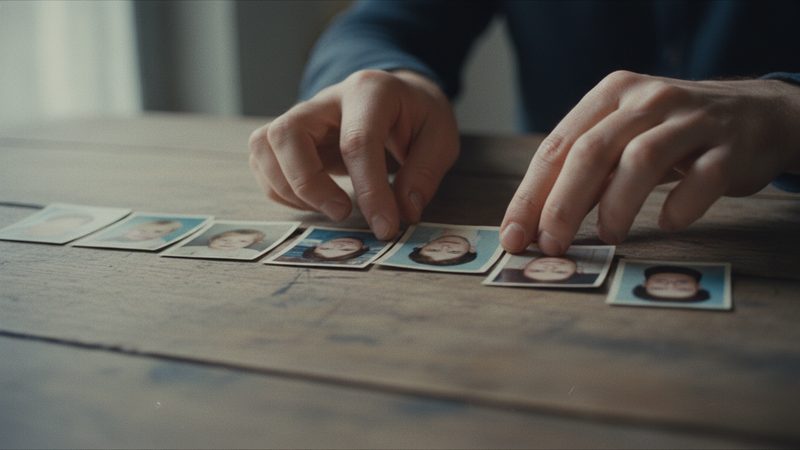
- Does the photo add something new? If you have five nearly identical pictures, pick one.
- Does it tell a moment, not just prove that we were there? A photo of a conversation or a laugh is stronger than people standing in a row facing the camera.
- Is there balance? Not all the photos should come from one period or show one person, unless that is exactly what the video is about.
The numbers to aim for are in the table:
| Video length | Number of photos | Price |
|---|---|---|
| 1 minute | 12 | ₪79.90 |
| 2 minutes | 24 | ₪159.90 |
| 3 minutes | 36 | ₪219.90 |
| 4 minutes | 48 | ₪259.90 |
| 5 minutes | 60 | ₪299.90 |
| Up to 8 minutes | 100 | ₪419.90 |
If you end up with 28 photos or 41 after choosing, you do not need to cut. There is an exact package for every number between the standard ones. For more detail, see the table of how many photos you need.
How do I keep the order for the video?
Once you have chosen, create a separate folder called "For the video". Copy your chosen photos into it and rename the files so they start with a number: 01, 02, 03 and so on. The numbers let you upload the photos in the order they should appear. We wrote more about photo order in a video.
If you are making a history video for the whole family, you can also split the folder into subfolders, one per chapter. You can read about it in the article on a family history video.
How do I back up so nothing gets lost?
Sorting is a good moment for a backup. A simple rule: keep every important photo in at least two places, and make sure one of them is outside your home. For example, an external drive and a cloud storage service. That way, if something happens to one, the photos survive. If you photograph printed pictures, keep the originals too. The video complements your photos and does not replace them.
What should I know about the photos before I upload?
- Your photos are used as they are. We do not restore photos, fix scratches or color black-and-white pictures.
- The film aims to keep everyone looking like themselves. If there is a small difference, you can try another version or swap a photo. Extra tries and photo swaps are included in every package.
- You can use from 2 to 100 photos. A video is always the result of choosing, so there is no need to upload everything.
- The first 2 animations are free. No credit card, once per person, so you can check before you commit.
The full film is usually ready 10 to 20 minutes after payment, and it is HD 16:9 with no watermark. On the growing-up film page you can see examples.
Frequently asked questions
How long does it take to organize the photos?
It depends on how many you have. A few hours for thousands of digital photos, and longer if you have many printed ones to photograph. You can split it over several evenings, and start with one period only.
Do I have to organize everything to make one video?
No. It is enough to sort the period or the person the video is about. You can leave the rest for another time.
What do I do with duplicate photos?
Keep the sharpest one and copy the others into a separate folder instead of deleting them. That way you lose nothing.
What if a photo has no date?
Try to estimate from the ages of the people, the clothes or the place, and ask a relative. A rough date in the folder name is better than nothing.
Can I try before I pay?
Yes. The first 2 animations are free, with no credit card, once per person.
How long does it take to get the video?
The full film is usually ready 10 to 20 minutes after payment.