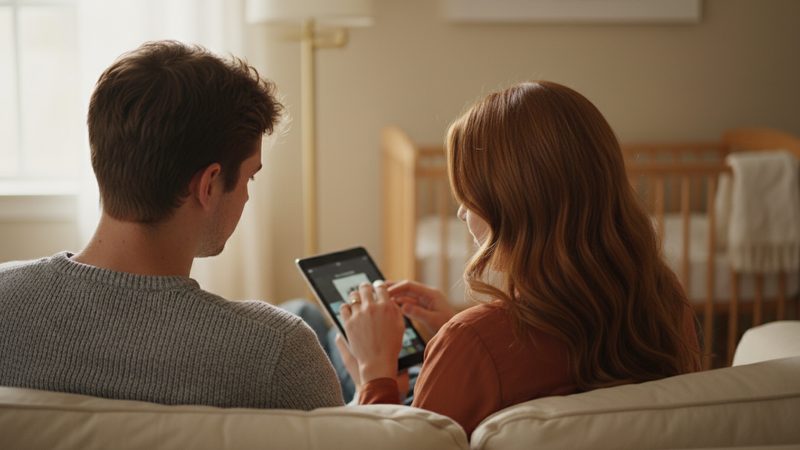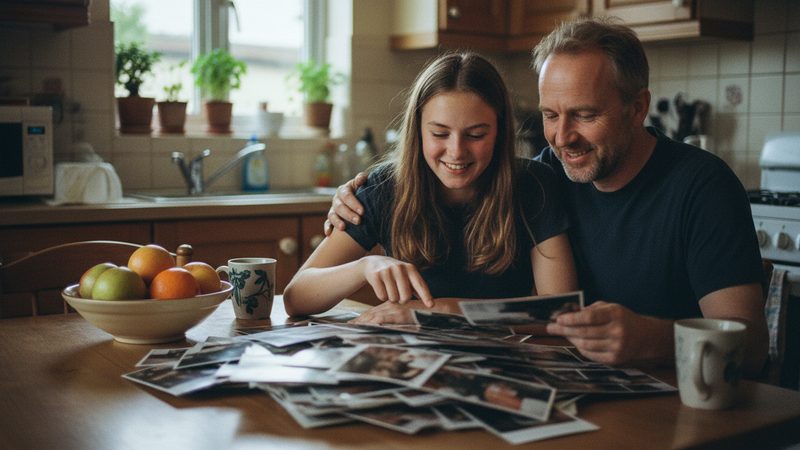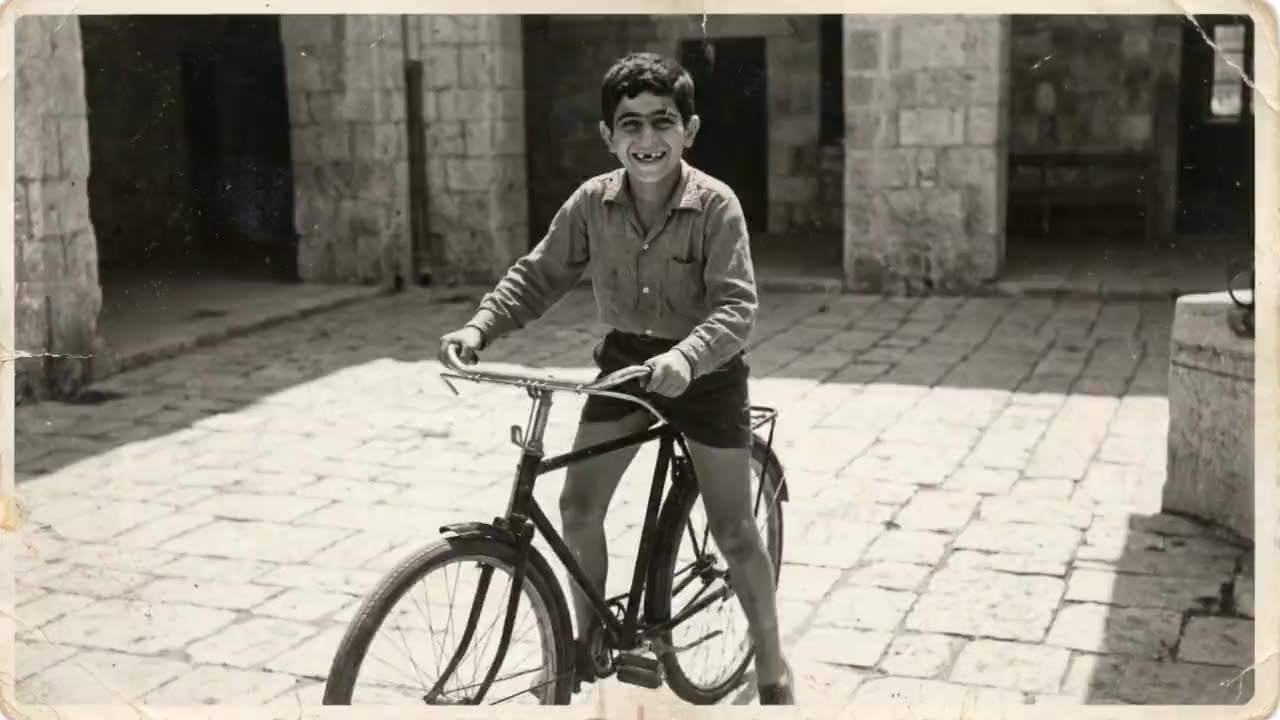
A child's birthday is a natural moment to look back. Parents get emotional, grandparents are waiting, and the birthday child loves seeing themselves as a baby. A short film can be the heart of the party.
Which type of film should I choose?
| Type | What you see | Best when... |
|---|---|---|
| Growing-up film | Your child grows up, each photo flowing into the next | You want to see all the years up to today |
| Memories film | Each photo gets a few seconds of movement | You want to focus on the past year or on events |
Not sure? Read about the difference between the two types. For a young child, a growing-up film of all the years is especially moving. For an older child, a memories film of the past year, with friends and trips, often feels closer to home.
Which photos should I pick?
- One photo for each year. Age one, two, three, and so on. That is how you see them grow.
- Clear faces. A sharp photo where your child is easy to see works best.
- Real moments. Playing, laughing, a past party - not only posed photos.
- A recent photo at the end. Today is the end of the story, so the last photo should be from the past few months.
- One child in each photo. In a growing-up film, it is easier to follow one person.
If your photos are scattered across the phones of parents and grandparents, we wrote about how to organize family photos.
How many photos do I need, and how long should the film be?

About 12 photos fit in a minute, and each photo is on screen for roughly 5 seconds. For a young child, one to two minutes is enough. Children watch for a short time, and the party needs to keep going.
| Length | Photos | Price |
|---|---|---|
| 1 minute | 12 | ₪79.90 |
| 2 minutes | 24 | ₪159.90 |
| 3 minutes | 36 | ₪219.90 |
You can use anywhere from 2 to 100 photos, and there is an exact package for every number in between. This is a rule of thumb, not a rule. You can see more in the how many photos you need chart.
How do I make the film, step by step?
Choose photos. Search your phone by year and copy the best ones into one folder.
Upload and arrange. From the youngest to the oldest.
Try it free. Start your free preview: the first 2 animations are free, no credit card.
Pick music. Cheerful, light music from the library, or a song your child loves. More in the article on choosing music.
Add cards. An opening card with your child's name and age, and an ending card with a short dedication.
Pay and get your film. Usually 10 to 20 minutes after payment.
How do I play it at the party?
Download the file ahead of time and do not count on the internet. Connect to a screen or projector, and check the sound before the guests arrive. Pick a moment when everyone is sitting down, such as just before the cake. More tips are in the guide to playing a video at an event.
How can my child be part of making it?
School-age children love to be part of the plan. You can ask your child to choose the song, or show a few photos and ask which one they like best. If it is a surprise, let siblings or grandparents help collect the photos. That way the film becomes a shared family project, and a memory in its own right.
Think about the ending, too. On the ending card you can write a short line from the parents, like "We love you so much", or simply your child's new age. A short line like that stays in memory long after the party.
What should I know before I start?
- Your photos are used as they are. We do not restore photos or fix scratches.
- The film aims to keep everyone looking like themselves. If something looks a little off, you can try another version or swap a photo. Extra tries and photo swaps are included in every package.
- There is no narration and there are no subtitles. There is music, an opening card, and an ending card.
The full film is HD in 16:9, with no watermark, and you can download it or share a link. On the birthday video page you can see examples.
Frequently asked questions
How many photos work for a child's birthday video?
Usually between 12 and 24, which is one to two minutes.
From what age can I make a growing-up film?
Any age. Even for a one-year-old, you can make a film from 12 photos, one for each month.
Can I surprise my child?
Yes. Everything is done on the site, and the film is usually ready 10 to 20 minutes after payment.
Can I try before I pay?
Yes. The first 2 animations are free, no credit card, once per person.
Can I send it to grandparents?
Yes. There is a share link, and you can also download the film.
Can I get a refund?
You can request a refund within 30 days of purchase, under the refund policy on the site.