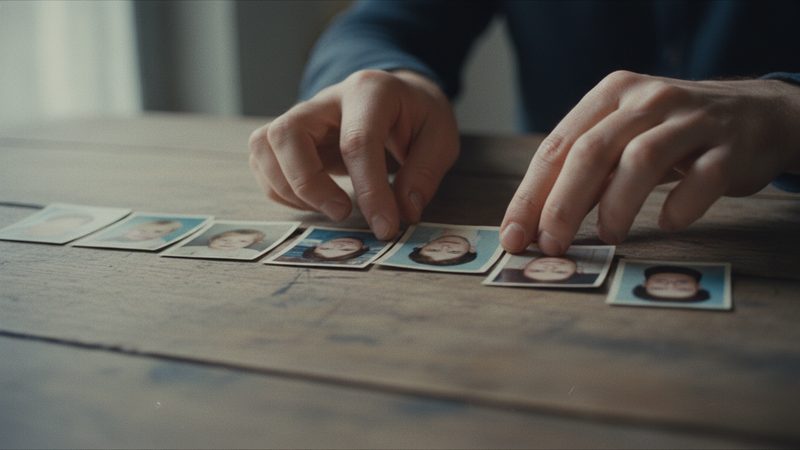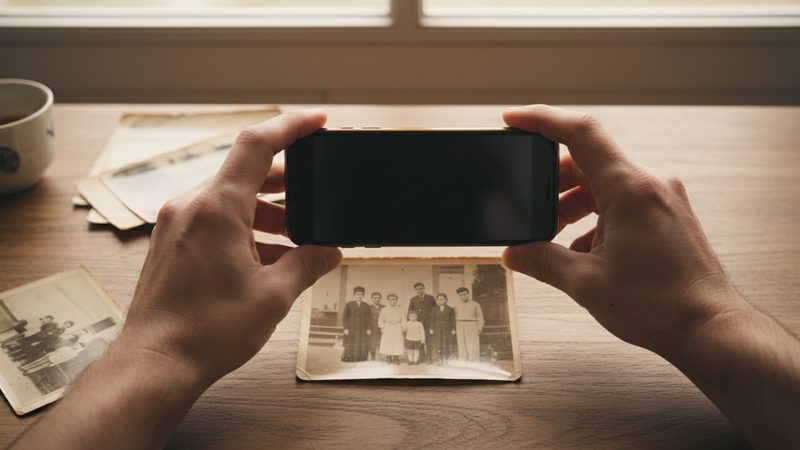
When you upload photos from your phone, some are vertical and some are horizontal. You do not have to give up any of them. Here is what happens to each kind, and how to choose.
What happens to a vertical photo in the video?
A video plays on a wide screen, like a TV, a computer or a projector. A video frame is a wide rectangle. A vertical photo is a tall, narrow rectangle, so it takes up only a strip in the middle of the frame. There is empty space on both sides. So that the space does not stay empty, the site fills it.
There are three ways to fill it. The first is to extend the photo's background to the sides. The second is to crop the photo so it fills the frame. The third is to keep the whole photo, with a blurred fill behind it. Each way suits a different situation, and the section below explains when. The good news is that you do not need to do anything before uploading: upload your photos as they are.
What happens to a square photo?
A square photo is closer to the wide frame than a vertical one, but it does not fill it either. Two narrow strips are left at the sides, and the site fills them the same ways. In most cases the difference between a square photo and a vertical one is smaller: less background has to be added, and less of the photo is cropped. Square photos are common on phones and in apps, so you will probably have a few among your photos.
How does the site fill the margins, and when does each way fit?

| The way | What actually happens | When it fits |
|---|---|---|
| Extending the background | The background continues to the sides, and the photo looks wider | A landscape, a room, a holiday table, a photo with people in the middle |
| Cropping to the frame | The photo is cropped to fill the frame | A photo with room above and below the people |
| The whole photo with a blurred fill | The whole photo stays, with a blurred fill behind it | A photo you must not crop, or a photo with a person at the edge |
There are two cases where the site does not extend the background: a photo with a person at the edge, and memories films. And if you do not like the choice, you can change it for any photo.
Which photo should you prefer?
A horizontal photo is the easy choice, because it already has the shape of the frame. But there is no rule against other photos. What matters is the photo itself: sharp, with clear faces. A good sharp vertical photo beats a blurry horizontal one. Also, a single vertical photo in the middle of a series of horizontal ones can break the rhythm nicely and add variety to the film.
A few simple rules:
- Choosing between two similar photos? Prefer the horizontal one.
- Faces at the edge of the photo? Prefer a photo where people are closer to the middle.
- A vertical photo that matters to you? Keep it, and check how the site filled the margins.
- Too many vertical photos in a row? Mix in horizontal ones, and the film will be easier on the eye. More about order in the article on photo order.
How do you shoot phone photos that suit a video?
If you are still before the shoot, or you are re-shooting an old photo, a few small habits help:
Turn the phone sideways. This is the shape closest to the video frame.
Leave room around the people. Do not shoot too tight, so there is something to crop or extend.
Keep faces near the middle. That way they are not cut off in any of the ways.
Shoot in good light. A sharp, bright photo looks good in any shape.
Do not use digital zoom. Move closer yourself, or crop later.
Old photos from the album? The article on scanning with a phone explains how.
Can you change the choice for a specific photo?
Yes. After the site builds the film, you can change how each photo fits the frame. This is useful when a photo was cropped in a way you do not like, or when you want to see the whole photo. You can also swap the photo for another one. Extra tries and photo swaps are included, depending on the package.
Start by checking the photos that matter most to you, and change only what needs it. If you are not sure how many photos to upload, the chart of how many photos you need has the answer. And on the growing-up video page you can see an example of a film made of photos in different shapes.
Frequently asked questions
What is the film's aspect ratio?
16:9, a wide ratio, like most TVs and projectors.
Will a vertical photo be cropped?
Not always. The site can keep it whole with a blurred fill, extend the background, or crop it. You can change the choice.
In which cases does the site not extend the background?
In a photo with a person at the edge, and in memories films. Then the photo is cropped to the frame or kept whole with a blurred fill, and you can change the choice.
Do I need to rotate or crop photos before uploading?
No. Upload the photos as they are, and the site fits them to the frame.
Is it better to upload only horizontal photos?
No. A sharp photo with clear faces matters more than its orientation.
Can I swap a photo after the film is built?
Yes. Extra tries and photo swaps are included, depending on the package.