Graduation is a moment when everyone looks back. The film lets parents, grandparents, and the graduate see how long the road has been. Here you will find how to choose photos, how many to take from each stage, and what the finished film looks like.
What is a graduation video from childhood photos?
It is a short film in which the photos appear in order, from the early childhood years up to today. It fits the end of kindergarten, the end of elementary school, high school graduation, and college graduation. You can play it at the ceremony or at a party, and you can also send it to the family.
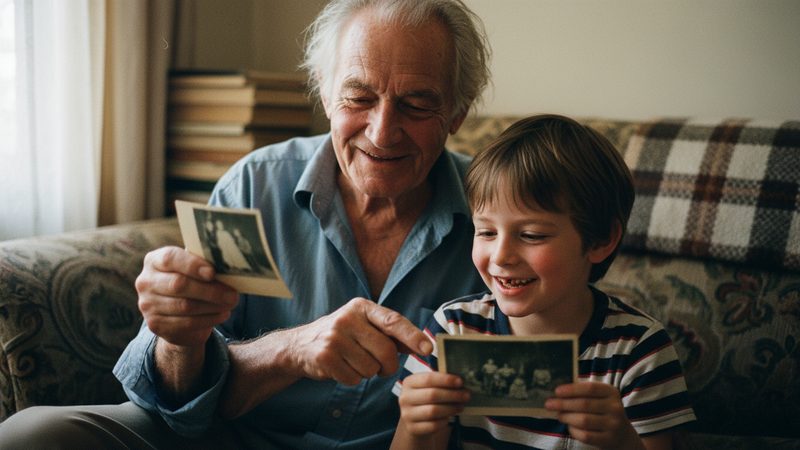
A film like this is a growing-up film: it shows one child over the years, not a collection of moments from different places. That is why it moves even people who did not know the graduate through every period.
The strength of a film like this is the comparison. Viewers see the three-year-old and the eighteen-year-old in the same film, and understand at once how much time has passed. It works without many words, so it also fits a busy ceremony where there is no time for long speeches.
Which years should I choose?
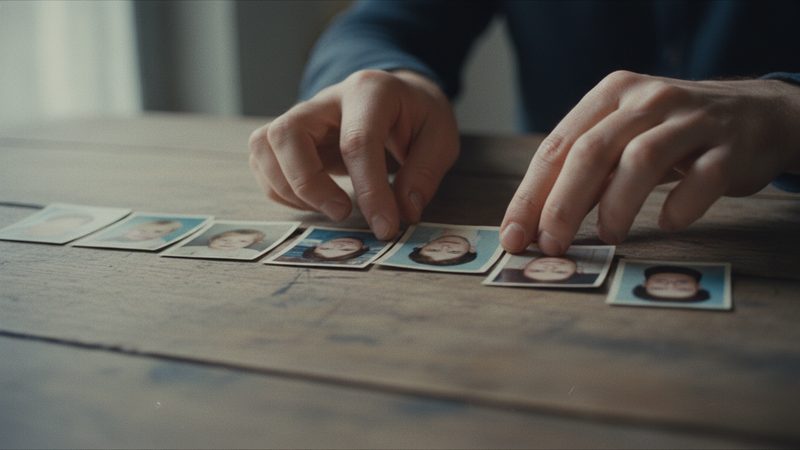
Choose one or two photos from each period, and do not leave a big hole between photos. If two photos are ten years apart, the viewer feels a jump. The smaller the gap, the more continuous the feeling of growing up. Good points to start from:
- A photo from the first year. You can take an idea from a baby's first-year video.
- The first day of kindergarten. A small child with a big backpack.
- The first day of first grade. Almost every family has this photo.
- Moments from the years in between. A trip, a holiday, a class, or a birthday.
- A last photo from the final year. The graduate of today, at the ceremony or before it.
If you are missing photos from certain years, ask grandparents, aunts, uncles, and friends. Often they have exactly the photo from the first day of first grade, and it is worth a small request.
How many photos for each stage?

Start from the total number and divide it. Here is an example for a 2-minute film from 24 photos:
| Stage | Photos |
|---|---|
| Before school (babies and toddlers) | 4 |
| Kindergarten | 4 |
| Elementary school | 6 |
| Middle school | 4 |
| High school and today | 6 |
This is an example split, not a rule. If you have many photos from high school and fewer from kindergarten, change the numbers. Strong photos matter more than a perfect split. A clear photo with large faces and good light will look better in motion than a distant group photo. You can upload from 2 photos up to 100, and there is an exact package for every number.
If you want a shorter film, 1 minute from 12 photos costs ₪79.90. If you want a longer one, 3 minutes from 36 photos costs ₪219.90, and you can give more photos to each stage. The choice depends on how long you want to play it at the ceremony.
What does a 2-minute film look like?
A 2-minute film has 24 photos, and each photo is on screen for about 5 seconds on average. The film opens with an opening note, goes through the school stages in order, and ends with a closing note. You can choose music from the library or upload your own song, and add a few words at the opening and the end, such as a short message from the parents or the graduate's name.
The result is an HD film in 16:9, with no watermark, with download and a share link. The film aims to keep everyone looking like themselves, and if there is a small difference you can try another version. On the growing-up video page you can see an example.
How do I arrange the photos?
The most natural order is chronological, from youngest to oldest. You can also start with a photo of today and go back, but it is harder to follow. There are more tips in the article on photo order in a film. A few short rules:
Gather all the photos in one folder.
Sort by year: even without a date, you can guess by age.
Pick the clearest photo from each period.
Leave out blurry photos or ones where the faces are very small.
Check that you have at least one photo from every stage.
If you have scanned or old photos, it is worth photographing them clearly before you upload. More in the article on scanning old photos with a phone.
Can I try before I pay?
Yes. The first 2 animations are free, no credit card, once per person. You can upload a few photos and see how they look in motion, then decide whether to continue. And if something is not right after you buy, you can request a refund within 30 days of purchase, under the refund policy on the site.
Frequently asked questions
How much does a graduation video cost?
A 2-minute film from 24 photos costs ₪159.90. A 1-minute film from 12 photos costs ₪79.90, and a 3-minute film from 36 photos costs ₪219.90.
How many photos do I need?
Usually 24 photos are enough for a 2-minute film. You can upload from 2 to 100 photos, and there is an exact package for every number.
What if I do not have photos from certain years?
You can go on without them. But try to leave as few big holes as you can, because the viewer feels a jump between photos far apart in time.
How long until I get the film?
Usually 10 to 20 minutes after payment.
Can I play the film at the ceremony?
Yes. The film is HD in 16:9, with no watermark, and you can download it and play it, and also share it with a link.
Can I get a refund?
You can request a refund within 30 days of purchase, under the refund policy on the site.