A family film is made to be seen. So it is worth thinking ahead about how to reach everyone you want, both the grandmother who is not comfortable with her phone and the uncle who lives abroad.
What are the ways to share?
| Way | How | Best for |
|---|---|---|
| Share link | Send a link in a message | Relatives far away, quick sending |
| Download | Save a file on your device | Long-term keeping, showing on a screen |
| Showing at a gathering | Connect to a screen | A family dinner, an event |
Use all three. The link for sending, the download for keeping, and the showing for the moment you share together.
How do you send it with a link?
Wait until the film is ready. Usually 10 to 20 minutes after payment.
Copy the share link.
Send it in a message or an email. Add a short line: what it is, and what to know before watching.
Check that it opens. Open it on another phone before you send it to everyone.
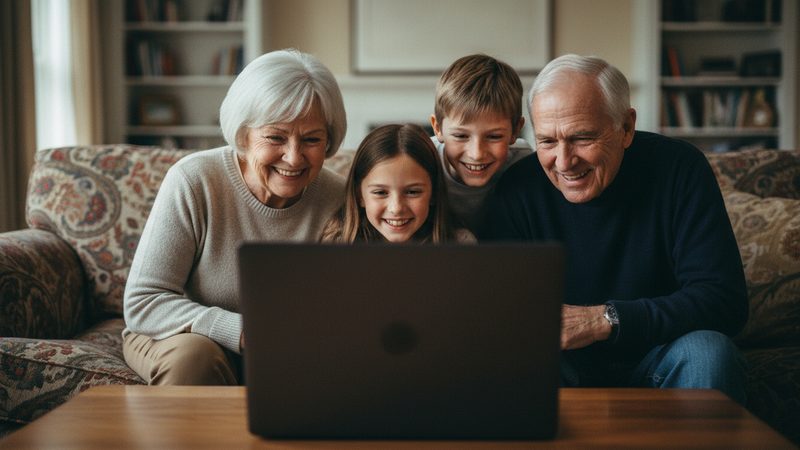
If you are sending it to grandparents, do not stop at the link. Call them and explain how to open it. You can also sit with them for the first viewing. That way the moment stays warm, and does not become one message among many. More about a video gift for grandparents.
How do you save the film?

Download the file and keep it in at least two places: on your device, and on an external drive or a storage service. That way, if a link disappears or a device breaks, the film is still safe. Keep your original photos too, because the film complements them and does not replace them.
A small tip: give the file a clear name, like "Cohen Family 2026," and not a random one. In ten years you will be glad to know what it is.
How do you show the film to everyone?
If you have a family gathering, downloading the file ahead of time is the safe way. Do not count on the internet at the venue. Connect your phone or computer to a TV or projector, check the sound, and only then invite everyone to sit down. Full details are in our guide to showing a video at an event.
The film is made in 16:9, which is the shape of most TVs and projectors, so it fills the screen.
What should you write in the message with the link?
A short, warm message sets the mood. Instead of pasting a bare link, write one line about what they are about to see and why you made it, for example "We made a film about Daniel's first year, enjoy." If the film is for a specific event, mention it. And if it is meant for one person, it is better to send it to them alone before sharing with everyone.
You can also ask for a reaction. People enjoy replying, and the replies from relatives are part of the gift. Keep them together with the film.
What about privacy?
The film has people's faces in it, sometimes children. Before you send it to a large group:
- Send only to those you mean to. A link can be passed along, so send it only to the people who should watch.
- Ask before posting online. If the film shows people who did not ask to be in it, it is worth asking them.
- Think about the music. If you chose your own song and you plan to post publicly, check whether you are allowed to use it.
How do you make sure everyone actually watches?
Not everyone opens links. A few ways to improve the chances: send it at a convenient hour, not in the middle of the workday, mention in the message how long it is (for example "two minutes"), and bring it up in your next conversation. For older relatives, it is better to watch together on a video call or at a gathering. And if someone has not watched after a few days, send the same link again, gently and without pressure. A film of a few minutes is easy to watch, so it is easy to get to.
What if the film did not turn out the way you wanted?
Before you send it to everyone, watch it quietly. If a transition or a face did not come out well, you can try another version or swap a photo. Extra tries and photo swaps are included in every package. The film aims to keep everyone looking like themselves, and sometimes there is a small difference. Check before sending, not after.
There is no narration or subtitles in the film. There is music, an opening card and an ending card, so if something needs explaining, write it in the message that goes with the link. On the growing-up film page you can see an example of a finished film.
Frequently asked questions
Can I send the film to people abroad?
Yes. You can send the share link, or download the file and send it.
Can I download the film?
Yes. There is a download option, and the film has no watermark.
What quality is the film?
HD in 16:9.
How long does it take to get the film?
Usually 10 to 20 minutes after payment.
Can I try before I pay?
Yes. The first 2 animations are free, with no credit card, once per person.
Can I get a refund?
You can ask for a refund within 30 days of purchase, under the refund policy on the site.